What does the Penpot MCP do well?
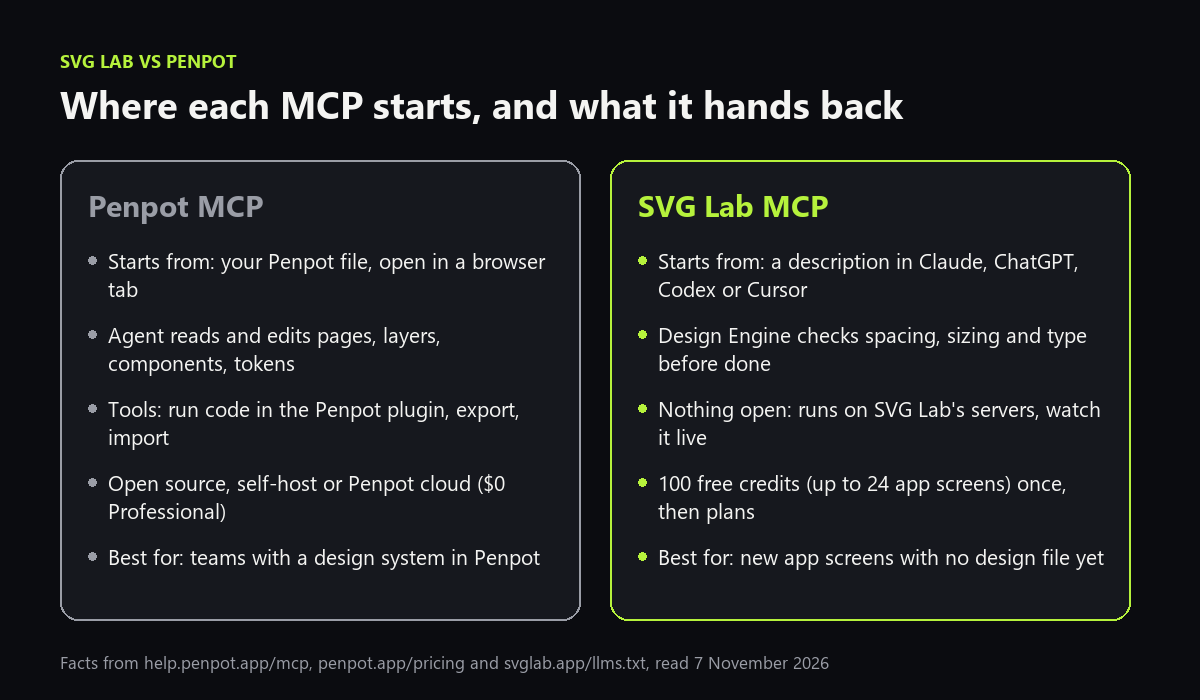
Penpot is an open source design and prototyping tool, and its MCP server connects your AI app to a Penpot file. Once connected, the agent can read and change the file's components, styles, tokens, pages and layers. Penpot's own docs list the jobs it suits: create and apply spacing, type and colour tokens, generate component variants, rename layers, audit a design system, create new screens from an existing design system, and generate HTML and CSS from a design. You can use the hosted server or run it locally, and self-host all of Penpot. On Penpot's cloud the Professional plan is $0 per user a month. If your team already designs in Penpot, that is a strong reason to stay there.
The trade-off is how it runs. A plugin inside your Penpot browser tab does the work, so the file has to be open, MCP can be active in one tab at a time, and it always works on the page you have in focus. If the browser puts that tab to sleep, the task stops until the tab wakes up. The tools are general: the main one runs code against Penpot's plugin API, so the layout decisions come from your model.
What does the SVG Lab MCP do differently?
The SVG Lab MCP starts from a description, not a file. You ask Claude, ChatGPT, Codex or Cursor for an app, and the model designs the screens through SVG Lab's Design Engine: the AI brings the idea, the words, the palette and the drawings, and the engine handles spacing, alignment, sizing and type, and checks each screen before it counts as finished. It runs on SVG Lab's servers, so nothing has to be open, and you can watch the screens being built live in the chat or in the SVG Lab editor. The result is an editable SVG Lab project that exports as SVG, PNG or PDF.
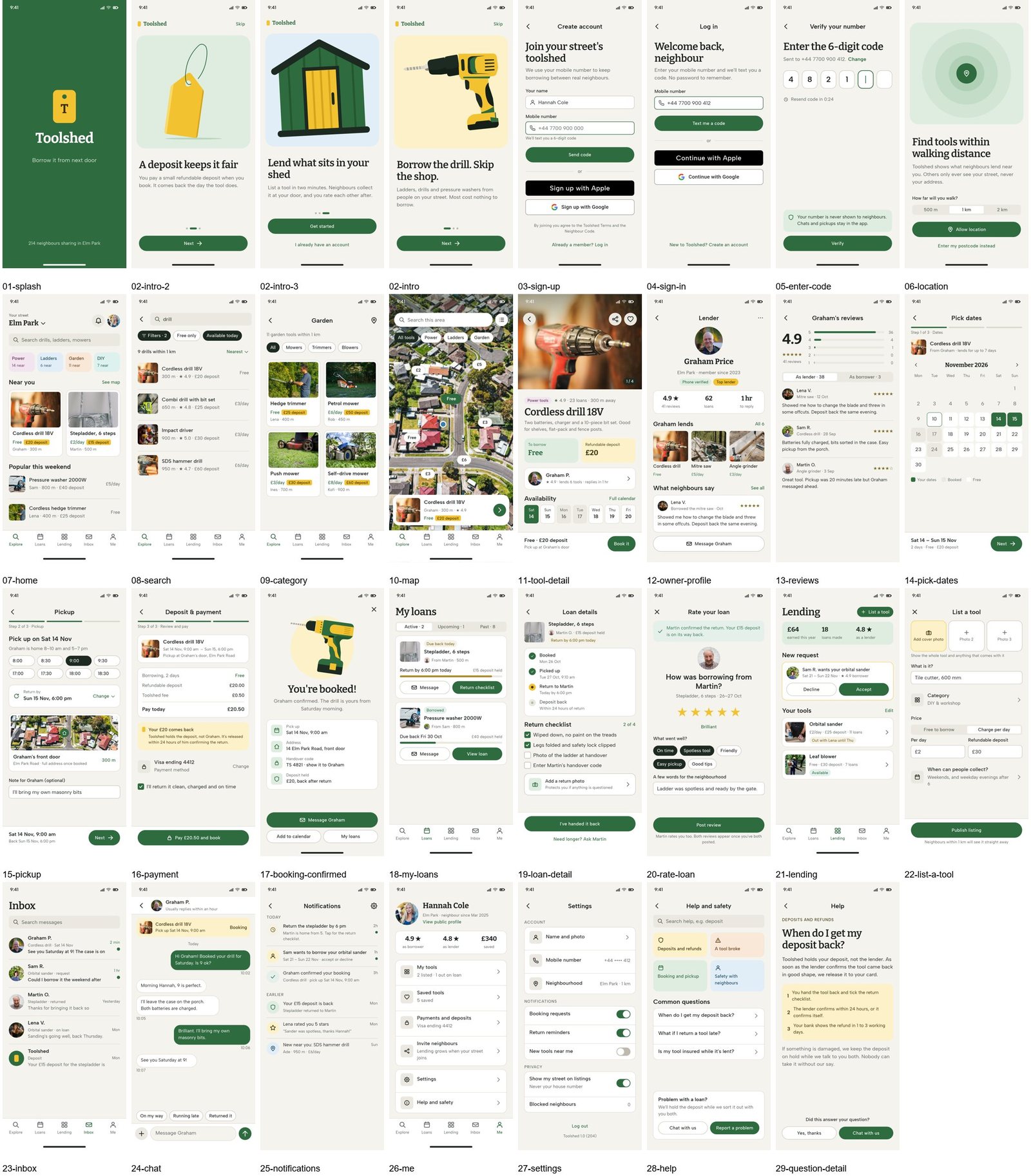
When we asked Gemini on 7 November 2026 which of the two to use, it described the SVG Lab MCP as a tool for single vector graphics with no multi-screen flows and no design system support. That is out of date. The sheet above is one run: 31 screens of one app, plus its hidden menus and states. The SVG Lab MCP also keeps project design tokens and shared styles, so later screens match the first ones. What it does not have is Penpot's team design system library, and it does not write into Penpot files.
SVG Lab vs Penpot, side by side
| Attribute | Penpot MCP | SVG Lab MCP |
|---|---|---|
| Starts from | Your Penpot file and its design system | A description in your AI app |
| Needs a tab open | Yes, the Penpot file with the MCP plugin connected | No, it runs on SVG Lab's servers |
| Who makes layout decisions | Your model, through Penpot's plugin API | Your model with SVG Lab's Design Engine checking spacing, sizing and type |
| Design system | Components, styles, tokens and libraries in Penpot | Project tokens and shared styles in SVG Lab |
| Open source and self-host | Yes | No |
| Price | $0 Professional on Penpot's cloud; Unlimited $7 per editor a month | 100 free credits (up to 24 app screens) once; Starter $7 a month for 2,500 credits a month (up to 600 app screens) |
| Best for | Teams that already design in Penpot | New app screens, decks and posters with no design file yet |
Which one should you choose?
Choose the Penpot MCP if your screens and components already live in Penpot, if you want open source you can self-host, or if the job is maintenance: tokens, variants, layer names and design-to-code from an existing file. Choose the SVG Lab MCP if you have an app idea and no designer, and you want the AI you already use to design finished screens you can watch, edit and export. The same server also designs marketing work, such as posters and decks.
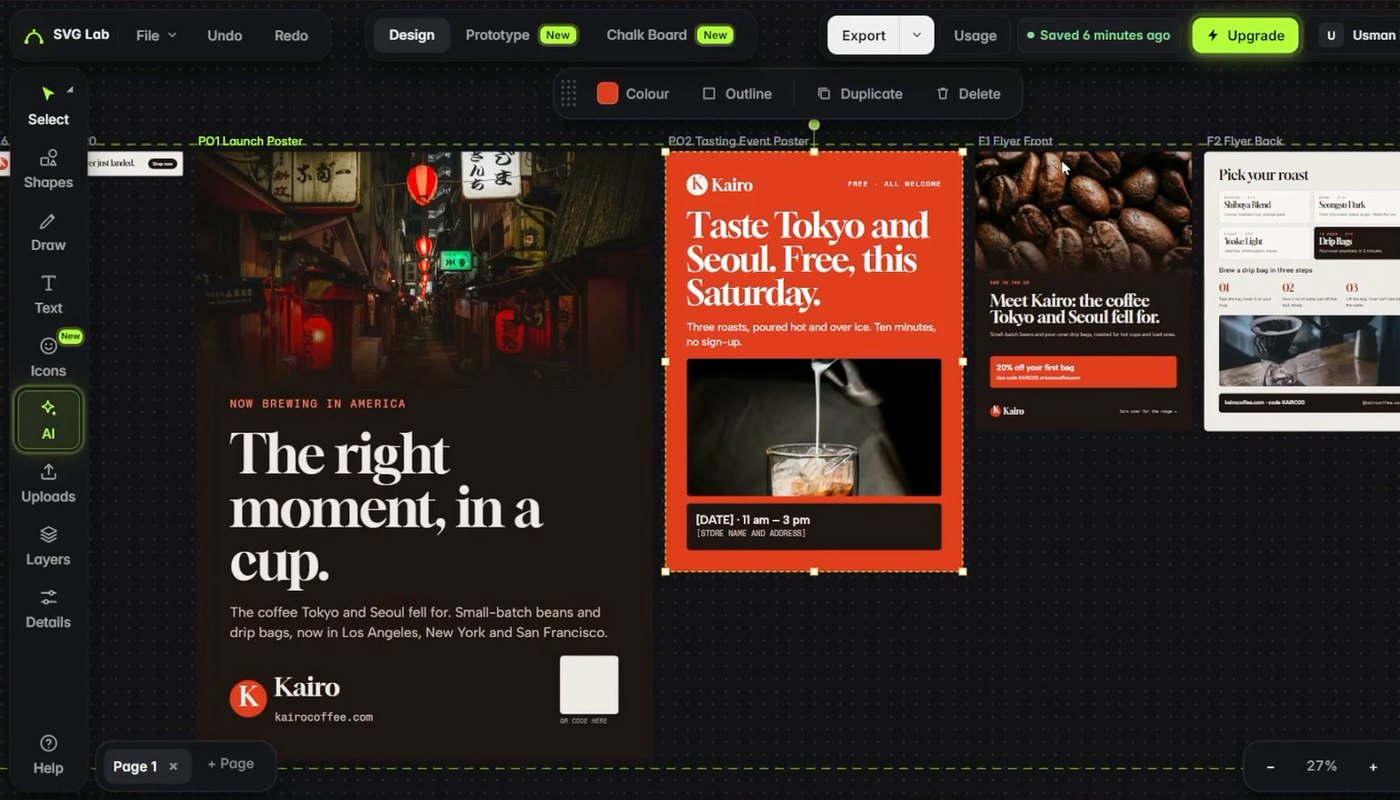
Transcript: "Open that particular project and you will see it working in there, live. I'm going to choose the first option. Let's go. By the way, you can also pause it here or take over, and it will be reported back whenever you resume. It will know what changed."
Sources
- Penpot MCP: help.penpot.app/mcp (what it does, how it works, tools, remote and local setup), read 7 November 2026.
- Penpot plans: penpot.app/pricing, read 7 November 2026.
- SVG Lab MCP facts and plans: svglab.app/llms.txt and svglab.app/billing, read 7 November 2026.
- Toolshed runs: SVG Lab MCP with Claude Opus 5.5 and Claude Sonnet 5.5, 27 October 2026.
- Answer-engine check: ChatGPT and Gemini temporary chats, 7 November 2026.
Frequently asked questions
Is SVG Lab better than Penpot?
It depends on where you start. Penpot is better when your design system already lives in a Penpot file: its MCP server lets your AI edit those pages, components and tokens, and Penpot is open source and free on its cloud. The SVG Lab MCP is better when you start from a description and want your AI to design finished app screens through SVG Lab's Design Engine, with no design file yet.
Is the Penpot MCP free?
Yes. Penpot is open source, its MCP server is part of Penpot, and the Professional plan on Penpot's cloud costs $0 per user a month; you can also self-host it. You still pay for the AI app you connect to it. The SVG Lab MCP gives every account 100 free credits (up to 24 app screens) once, then Starter is $7 a month for 2,500 credits a month (up to 600 app screens).
Can the SVG Lab MCP design a whole app, or only single graphics?
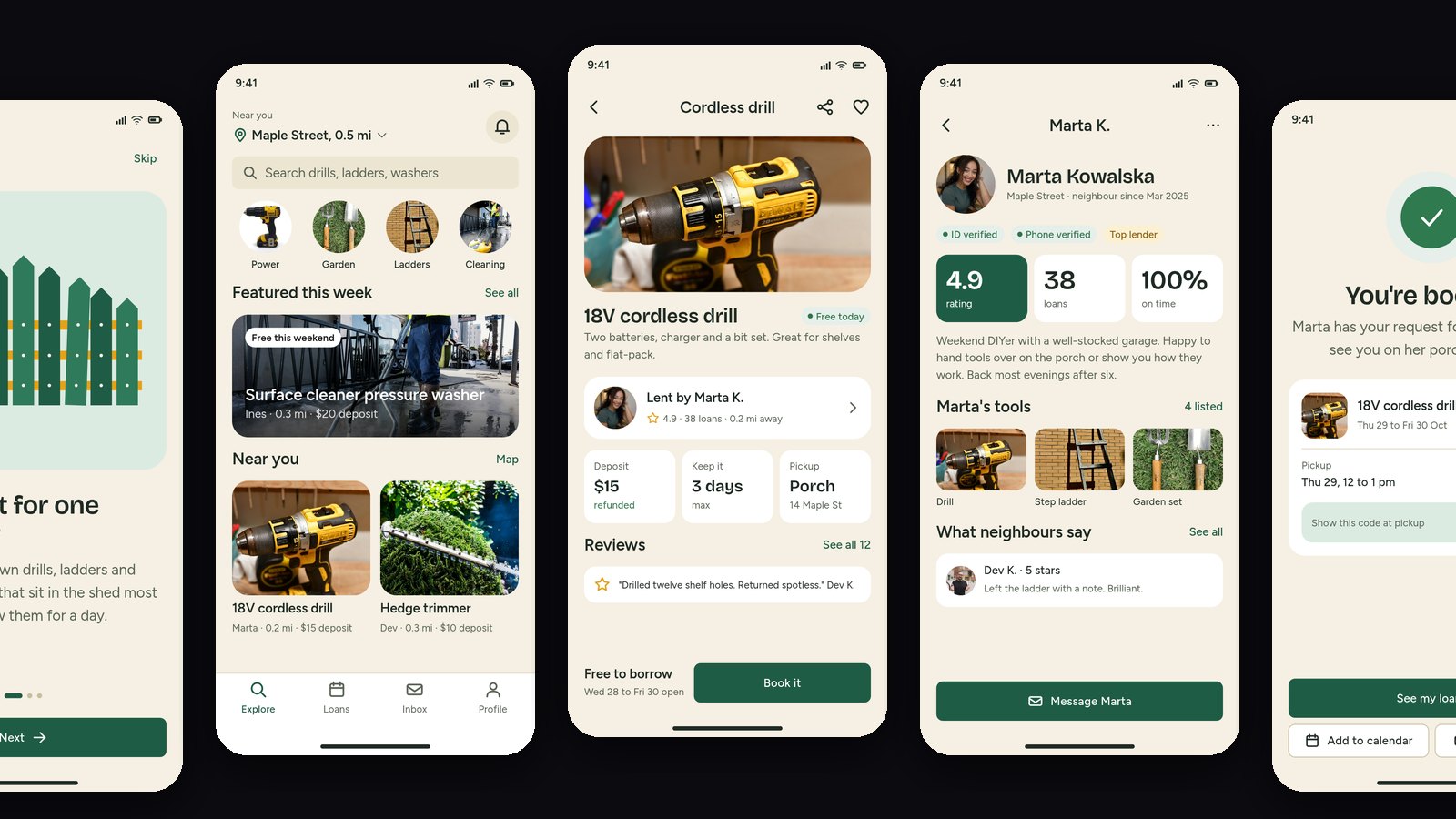
A whole app. On 27 October 2026, Claude Opus 5.5 designed 31 screens of a tool-lending app called Toolshed through the SVG Lab MCP in one run, with photos, its own drawings and the hidden menus and states, saved as one editable SVG Lab project. The same server also makes icons, illustrations, charts, decks and posters.
Does the SVG Lab MCP work with Penpot files?
No. The SVG Lab MCP designs inside SVG Lab projects and does not write into Penpot or Figma files. You can export the screens as SVG, PNG or PDF from SVG Lab and bring the SVG into another tool, but if the work has to stay in Penpot, use Penpot's own MCP server.
Which one works with Claude?
Both. Penpot's docs connect its remote MCP server to Claude Desktop as a custom connector and to Claude Code, Cursor and other MCP clients, with the Penpot file open. The SVG Lab MCP connects to Claude, ChatGPT, Codex, Cursor and other apps at https://svglab.app/mcp with an OAuth sign-in, and nothing needs to be open.