SVG Lab MCP, early access is open
Send a prompt.Get a finisheddesign.
Your AI designs editable screens, icons and illustrations in SVG Lab.
You're on the list
MCP is already on for you
Your account can use the MCP now. Open SVG Lab, click your name at the top right and choose MCP to make your key and copy the setup for your AI app.
Something went wrong
We could not check your account right now.
Bring the AI you already pay for.
- Claude, ChatGPT, Codex, Cursor, OpenCodeor any MCP app
- SVG PNG PDFsaved to My Projects
 Designed by Claude Opus 5.5 with the SVG Lab MCP
See the examples
Designed by Claude Opus 5.5 with the SVG Lab MCP
See the examples
Describe the job. Your model hands back the finished file.
Real output. Untouched.
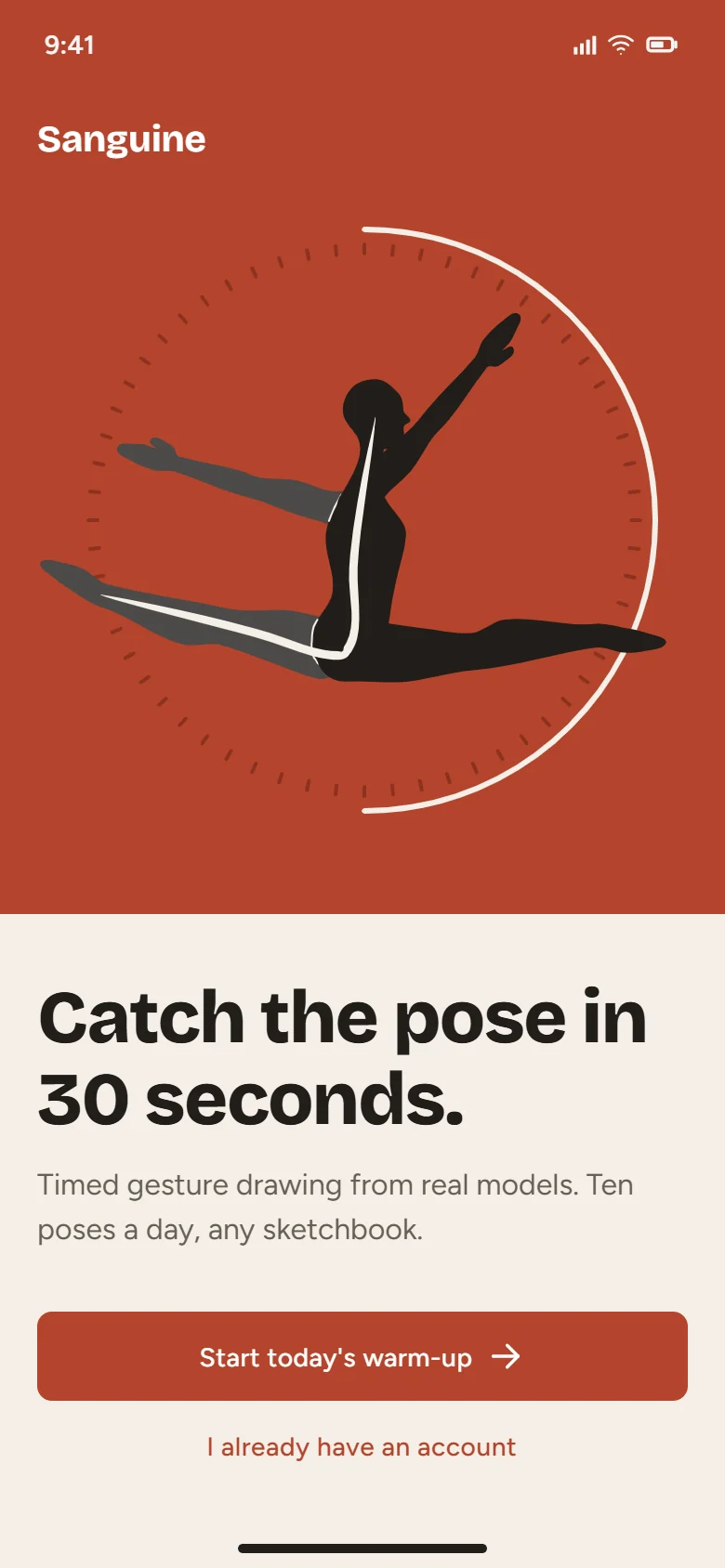
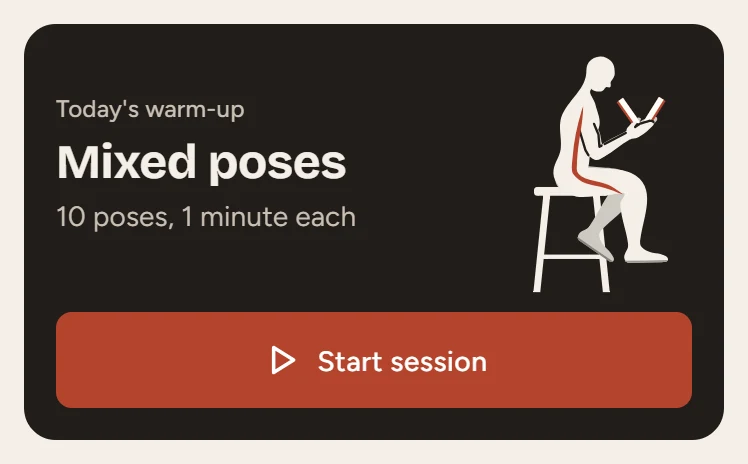
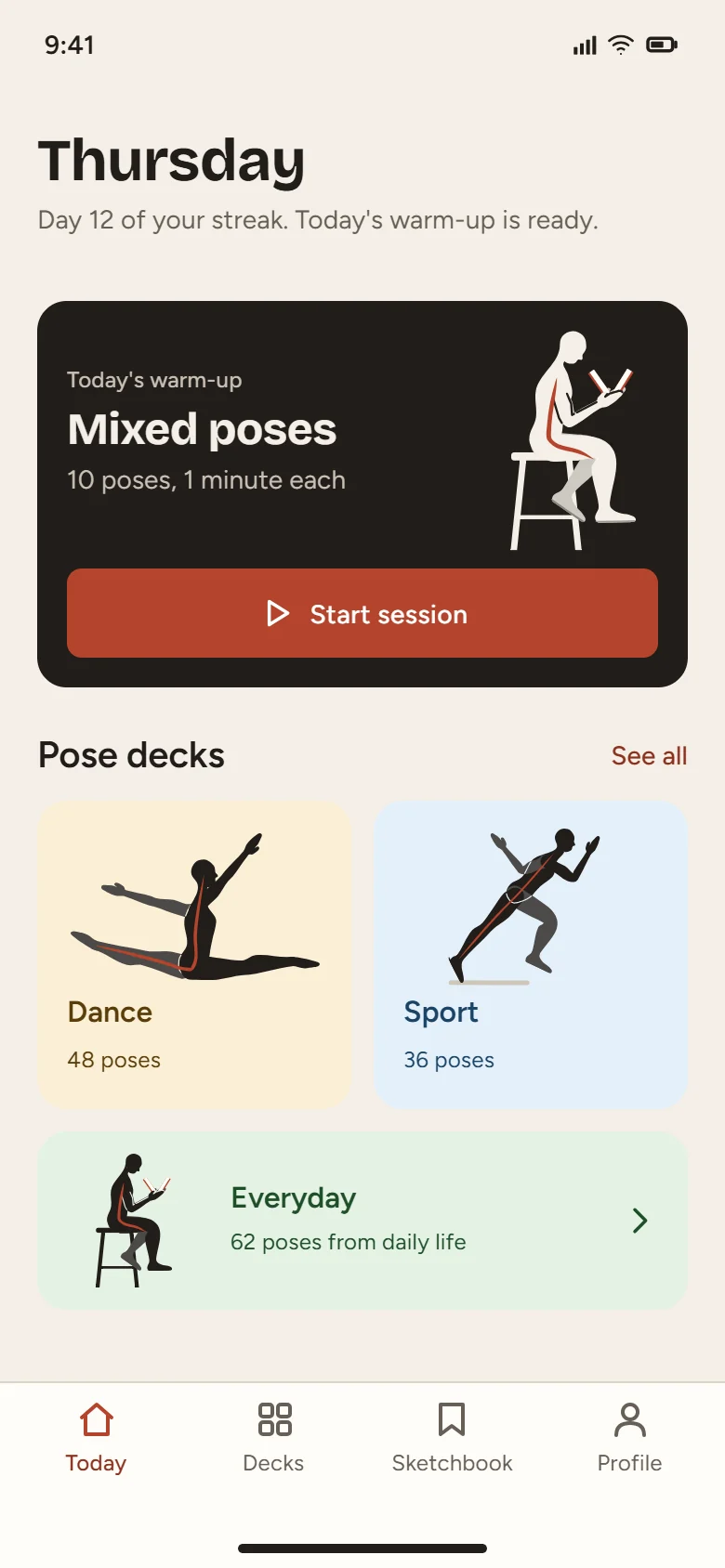
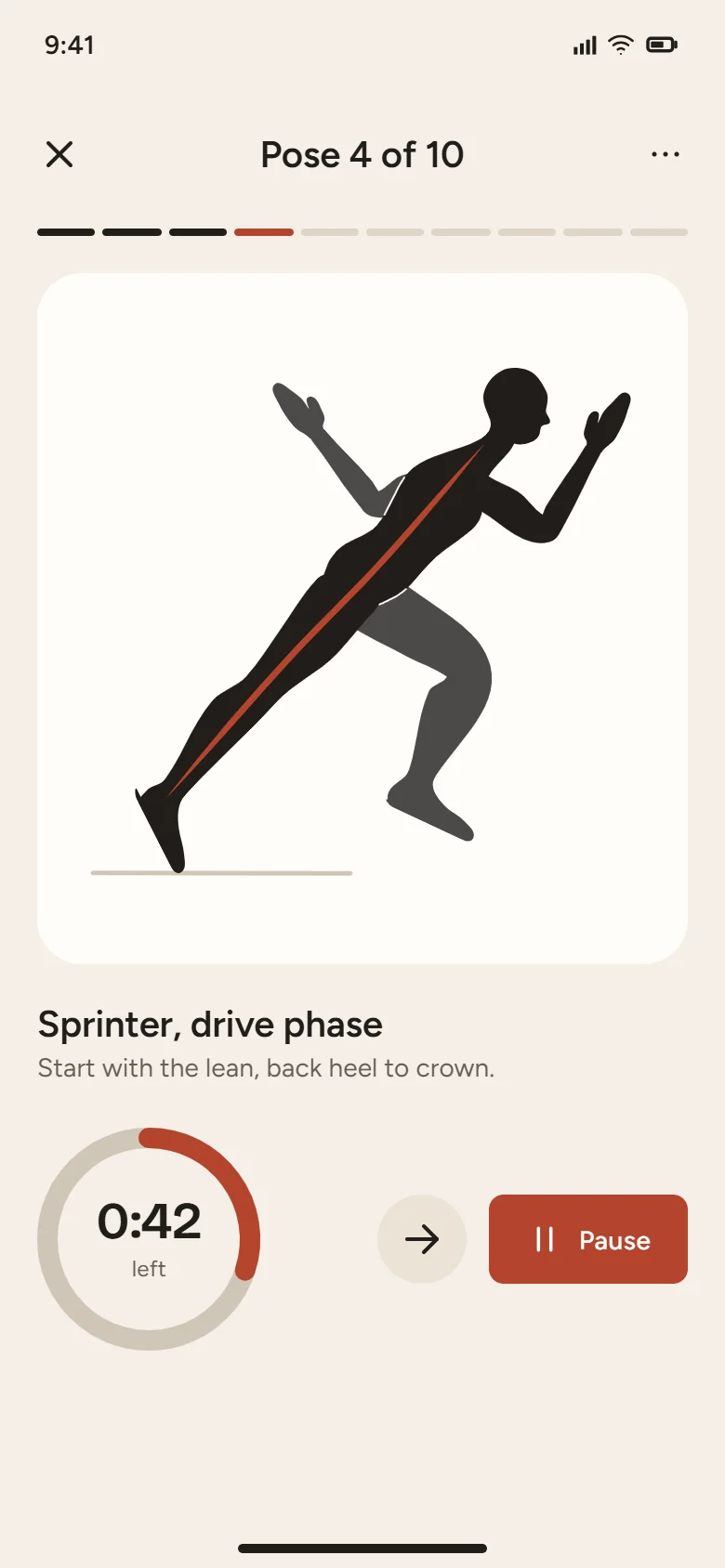
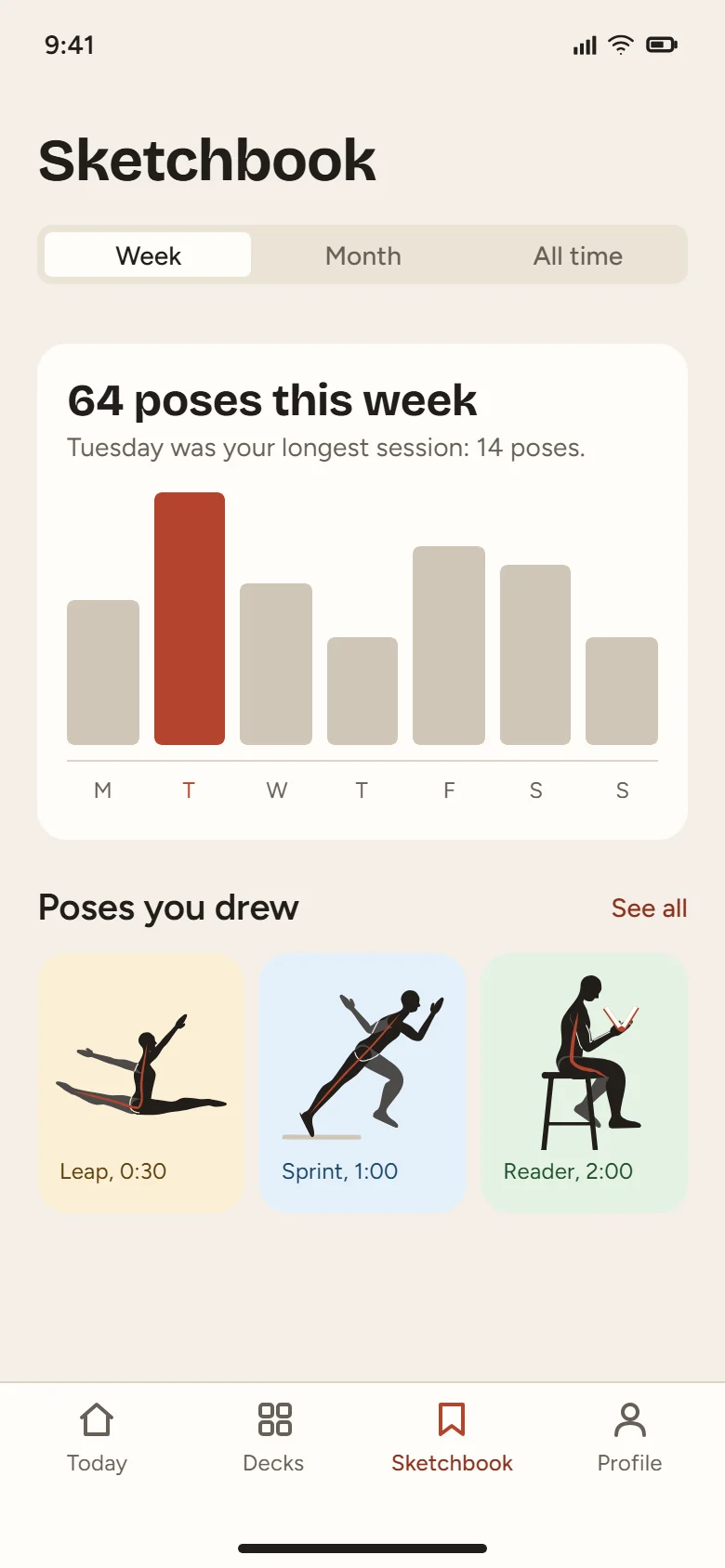
Sanguinefigure drawing practiceDesigned by Claude Opus 5.5 with the SVG Lab MCP
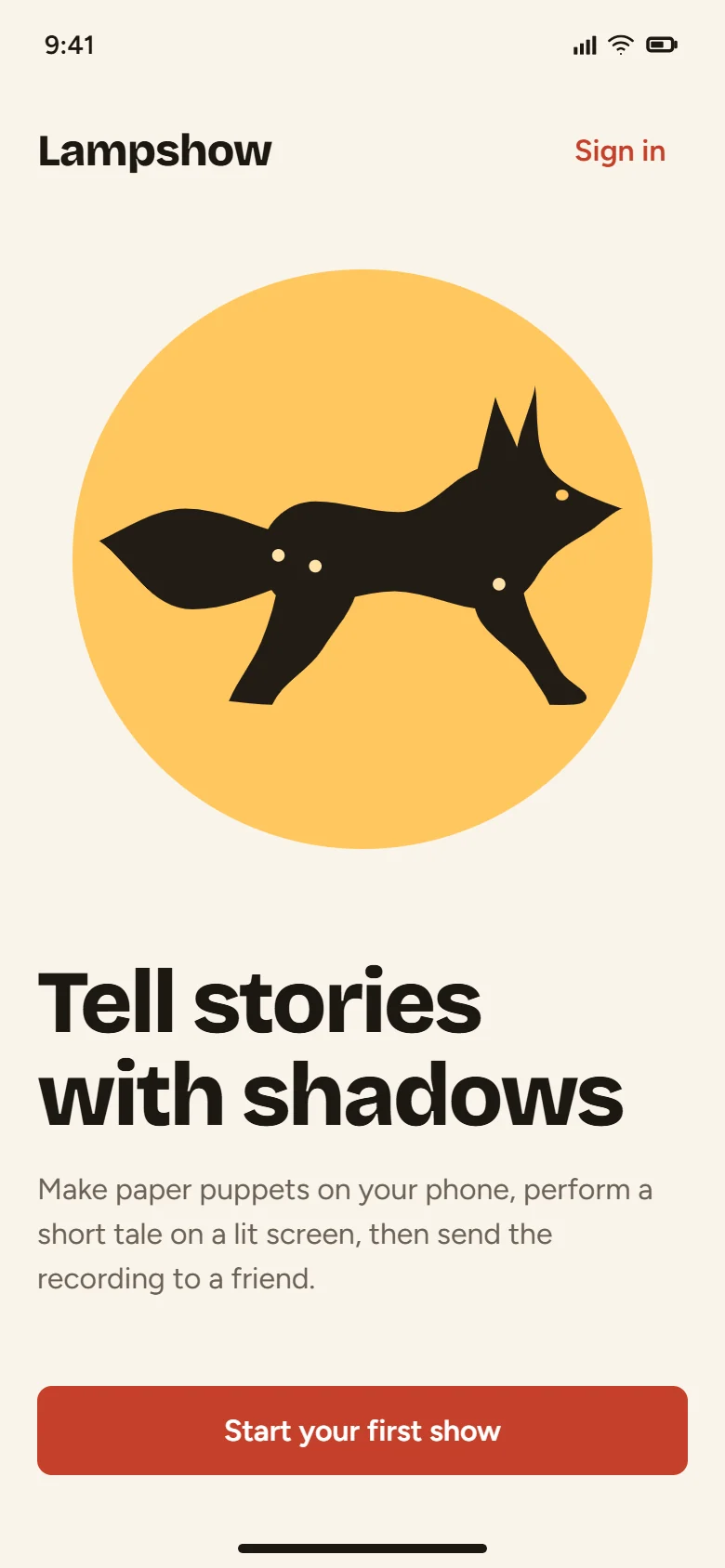
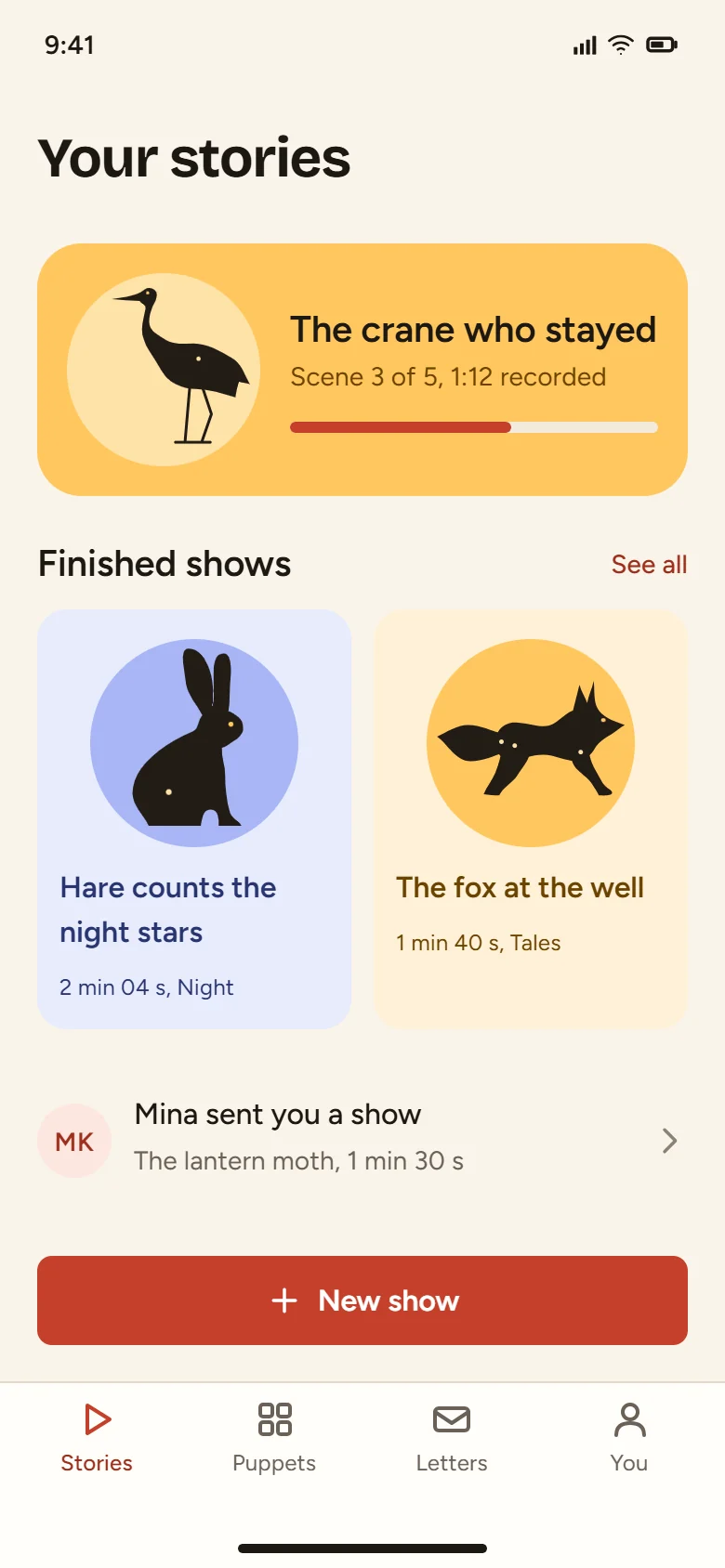
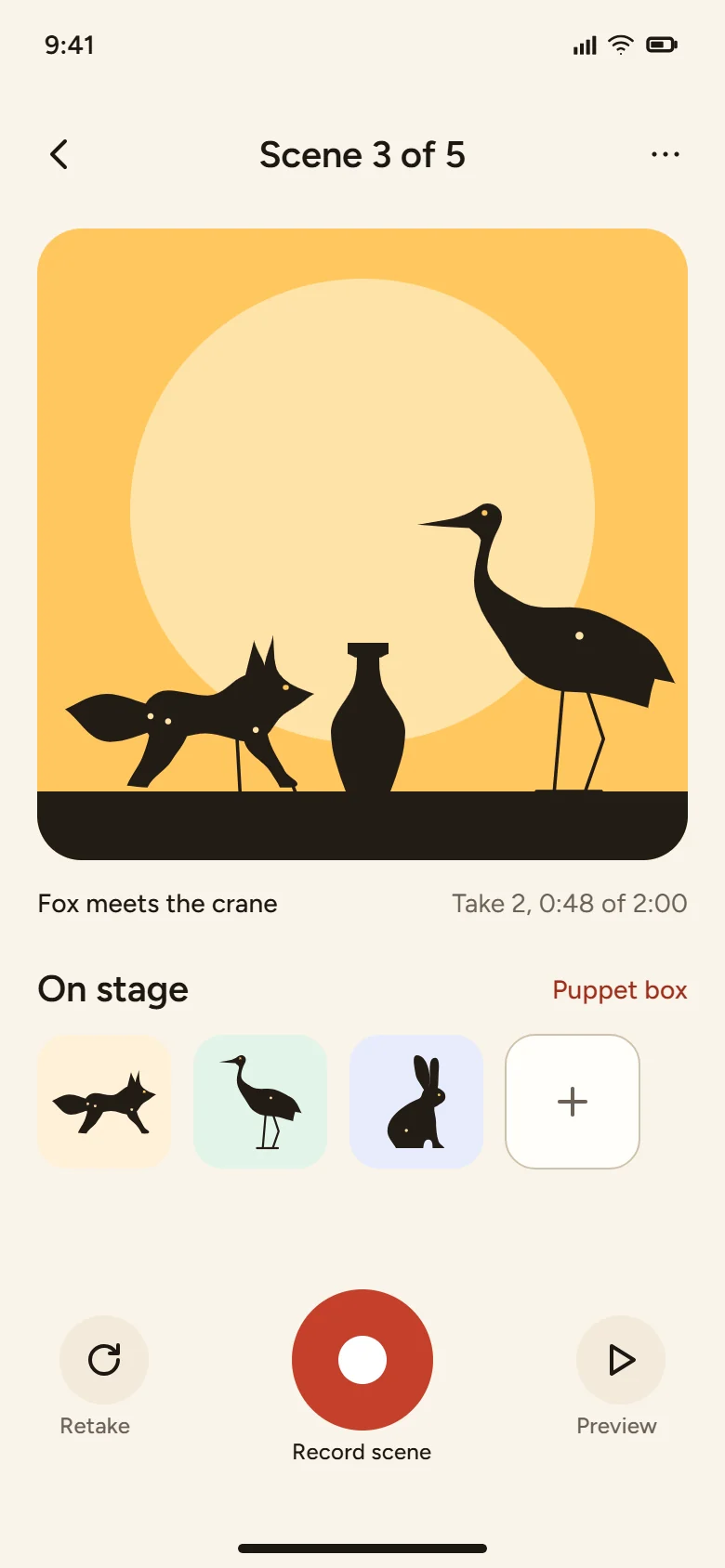
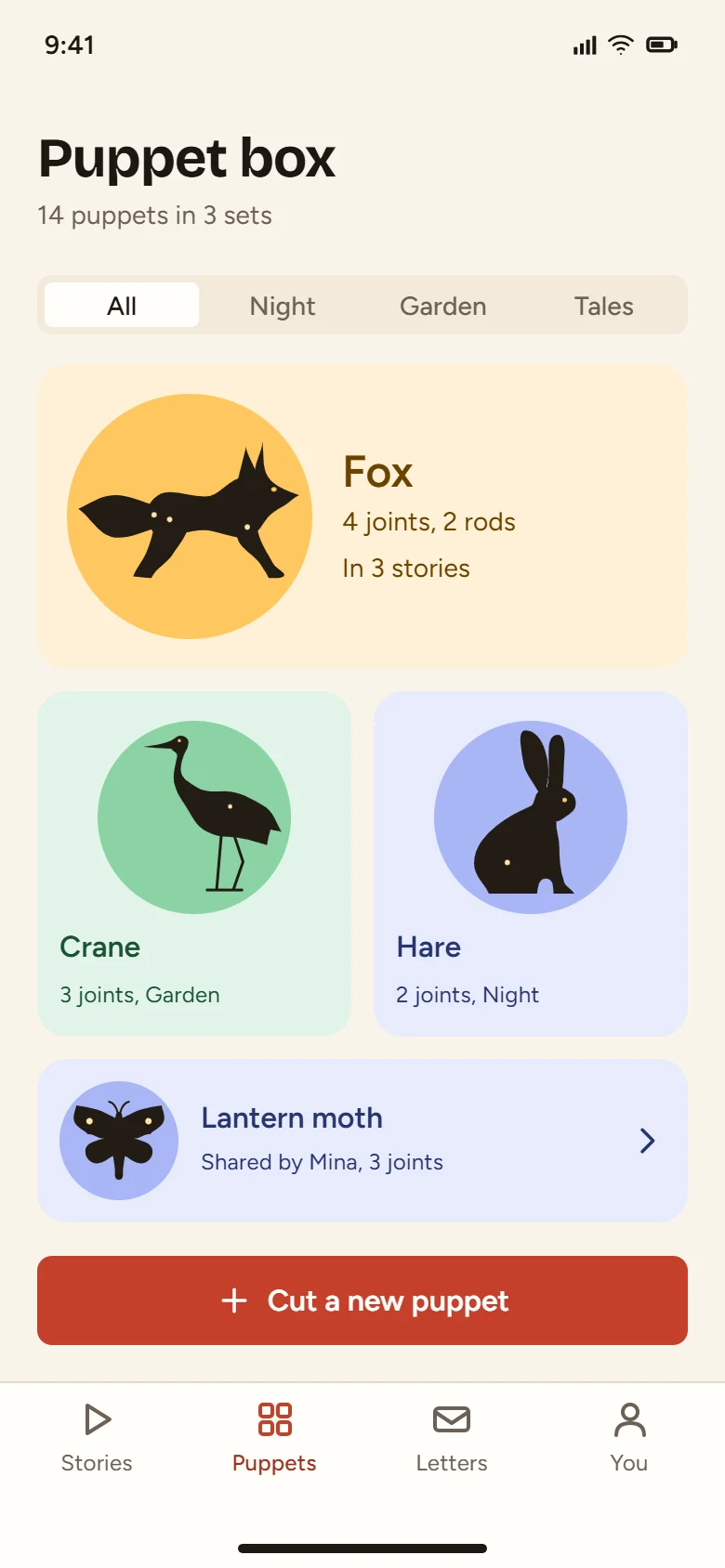
Lampshowshadow puppet storiesDesigned by Claude Opus 5.5 with the SVG Lab MCP
Cadencedance and running classesDesigned by Claude Opus 5.5 with the SVG Lab MCP
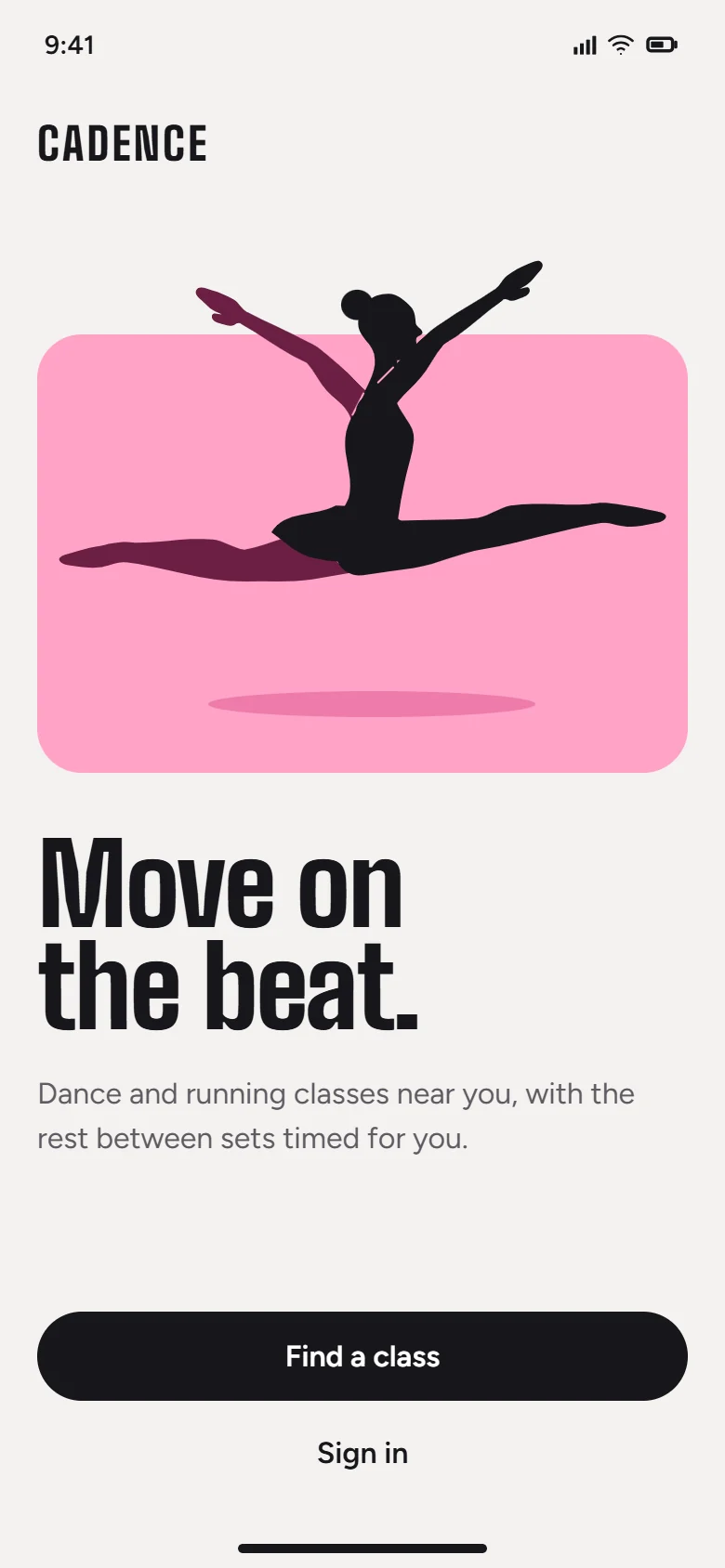
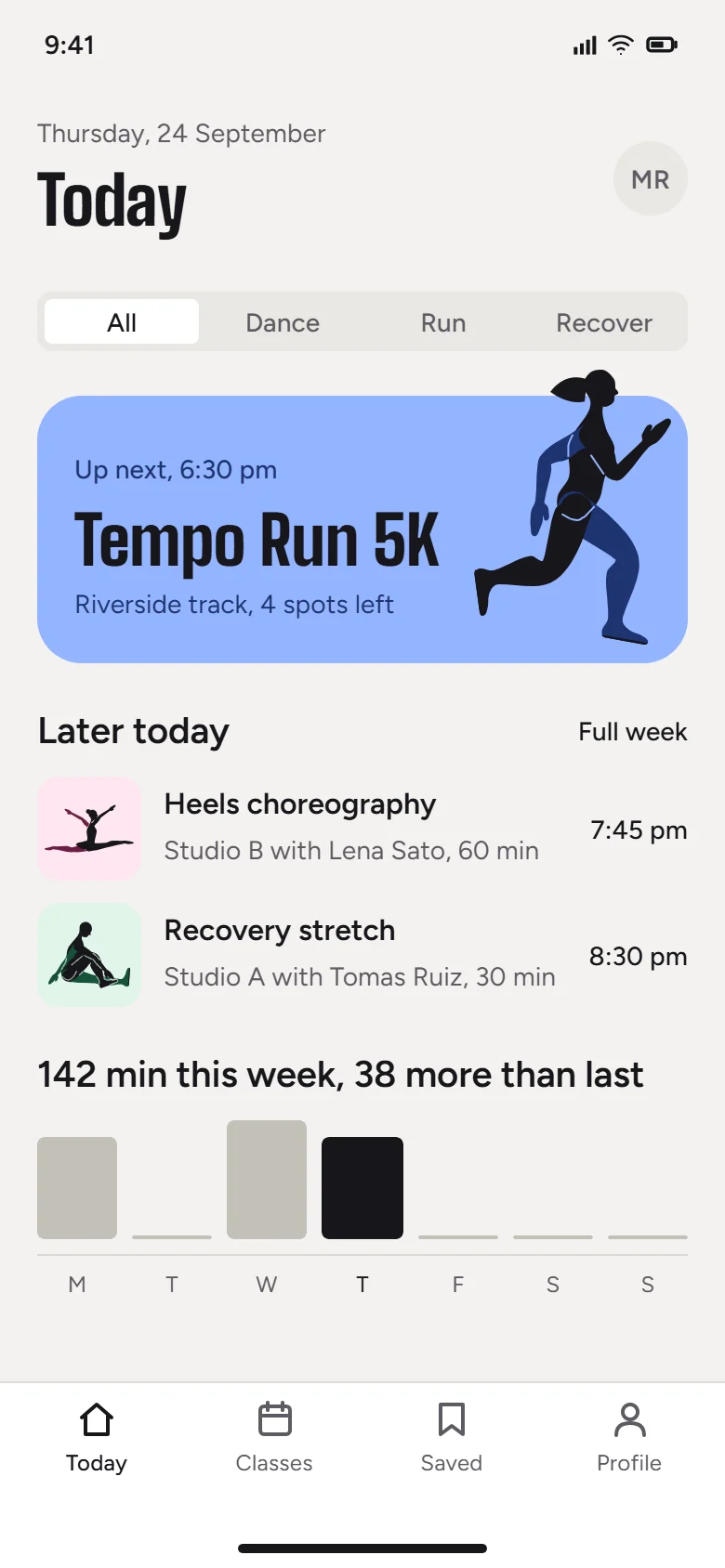
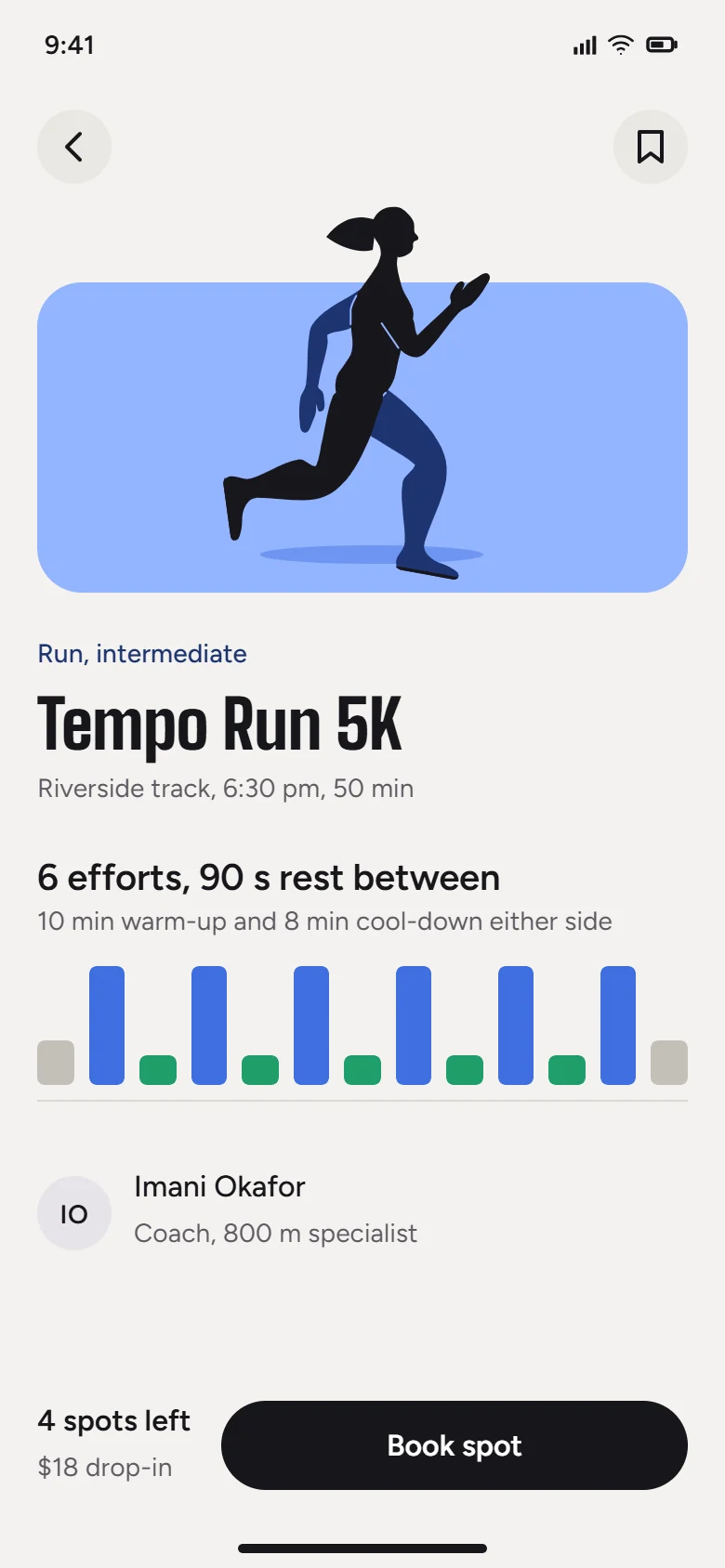
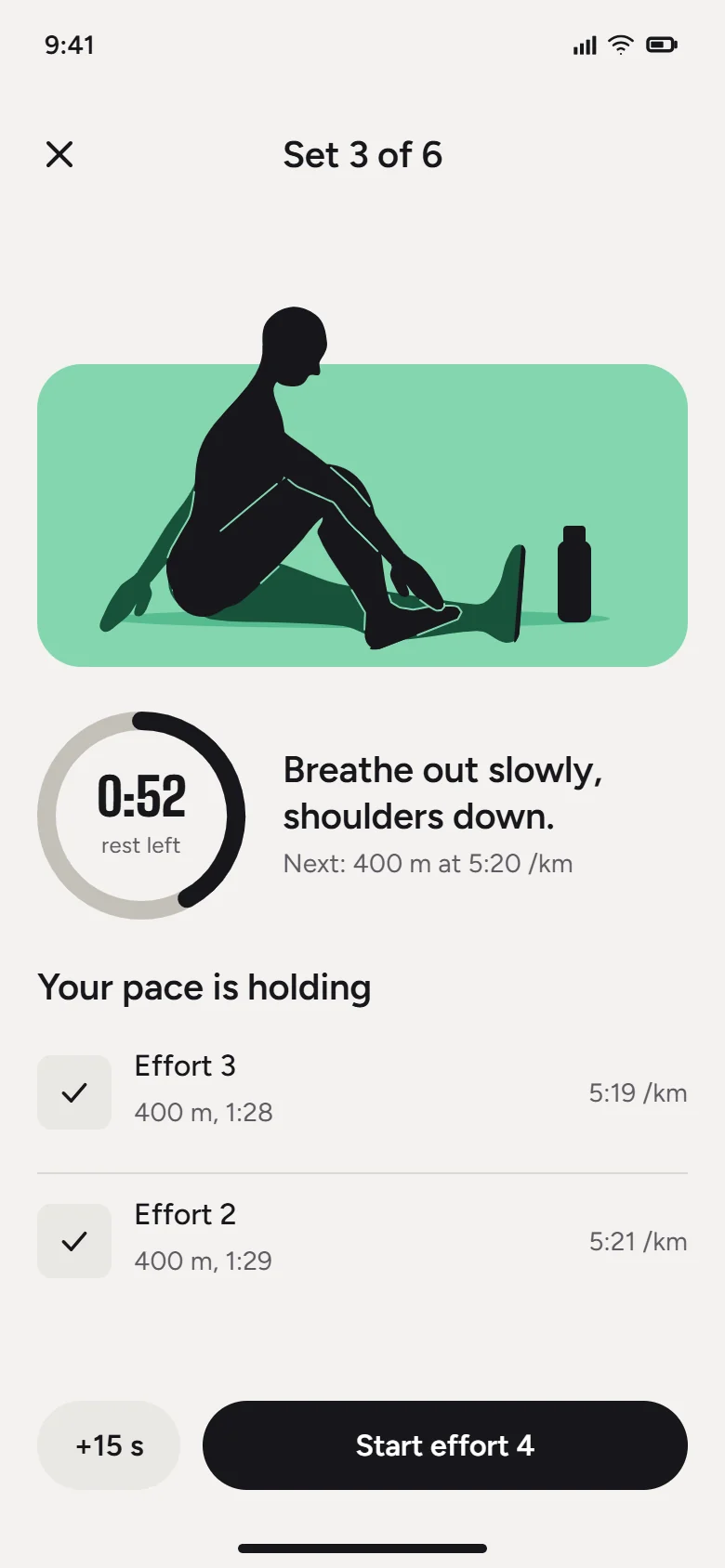
SVG Lab buildslayout, spacing, type, charts.
Your model bringsthe idea, palette, drawings and copy.
Three steps. The first one is today.
Bring your model.
Claude, ChatGPT, Codex, Cursor or OpenCode.
Send a prompt.
Plain words work: “a calm pricing screen for my app”
Get the file.
Editable, in My Projects, ready to export as SVG, PNG or PDF.
Not a picture of a design. The design.
- Shapesreshape any path
- Textretype any word
- Coloursswap any token
Questions
Do I need to keep SVG Lab open?
No. Your model works on our servers and saves to My Projects.
What happens after I request access?
A confirmation lands right away. Usman switches your account on and emails you.
Which apps work?
Any app with remote MCP. Setup is ready for Claude, Codex and OpenCode.