SVG Lab MCP server, early access is open
The SVG Lab MCP server: a design engine your AI can use.
SVG Lab (svglab.app) runs a remote MCP server, built on the Model Context Protocol, that the AI you already use can call. You describe what you want in plain words. Your AI brings the idea, SVG Lab builds it properly, and you get real, editable designs in your SVG Lab projects, ready to export.
Works with Claude, ChatGPT, Codex, Cursor, OpenCode and any remote MCP client.
What it does
You should not need design vocabulary to get a good design. Ask an AI for a screen on its own and it guesses at spacing, sizes and alignment, then hands you a picture or a pile of code. With the SVG Lab MCP server connected, the work is split the right way round.
SVG Lab guarantees the structure
- Consistent spacing and alignment
- Sizes that fit the screen or format
- A readable type scale, with text that fits its box
- Clean, valid vector geometry
Your AI brings the idea
- What the product is and who it is for
- The words, the palette and the mood
- The drawings and the direction
- Changes when you ask for them
You leave with the finished thing. Every result lands in My Projects as a normal SVG Lab project: open it in the editor, move any shape, retype any word, swap any colour, and export it as SVG, PNG or PDF.
Works with the AI you already use
- Claude web, desktop, Claude Code
- ChatGPT
- Codex
- Cursor
- OpenCode
- Any remote MCP client streamable HTTP
It runs on SVG Lab's servers, so there is no tab to keep open and nothing to install.
Connect in one step
Server URL: https://svglab.app/mcp (remote MCP over streamable HTTP, OAuth sign-in). Add it to your AI app, sign in to SVG Lab when asked, and press Approve. No key to copy.
- Claude (claude.ai, Claude Desktop): Settings, Connectors, Add custom connector, paste
https://svglab.app/mcp. - Claude Code:
claude mcp add --transport http svglab https://svglab.app/mcp, then authenticate from/mcp. - ChatGPT: Settings, Apps and Connectors, Developer mode, create a connector with
https://svglab.app/mcpand OAuth. - Codex:
codex mcp add svglab --url https://svglab.app/mcp, thencodex mcp login svglab. - Cursor: add
{"mcpServers": {"svglab": {"url": "https://svglab.app/mcp"}}}to mcp.json.
What it can make
Everything is vector, so it stays sharp at any size and stays editable.
- 01
Layouts and screens
Mobile and web screens, dashboards, slides and social posts, laid out with even spacing and clear hierarchy.
- 02
Components
Buttons, cards, navigation, lists and forms that match each other from one screen to the next.
- 03
Icons
Consistent icon sets for tab bars, menus and features, at any size.
- 04
Illustration and figures
People in poses, props and scenes, drawn as clean paths you can reshape.
- 05
Photography
Real photos placed into cards, heroes and frames, cropped to fit.
- 06
Charts
Bar, line and area charts with proper axes and labels, built from your numbers.
- 07
Fonts
A curated library of web fonts for headlines, interfaces and code.
- 08
Export
Saved to My Projects and ready to download as SVG, PNG or PDF.
Real output. Untouched.
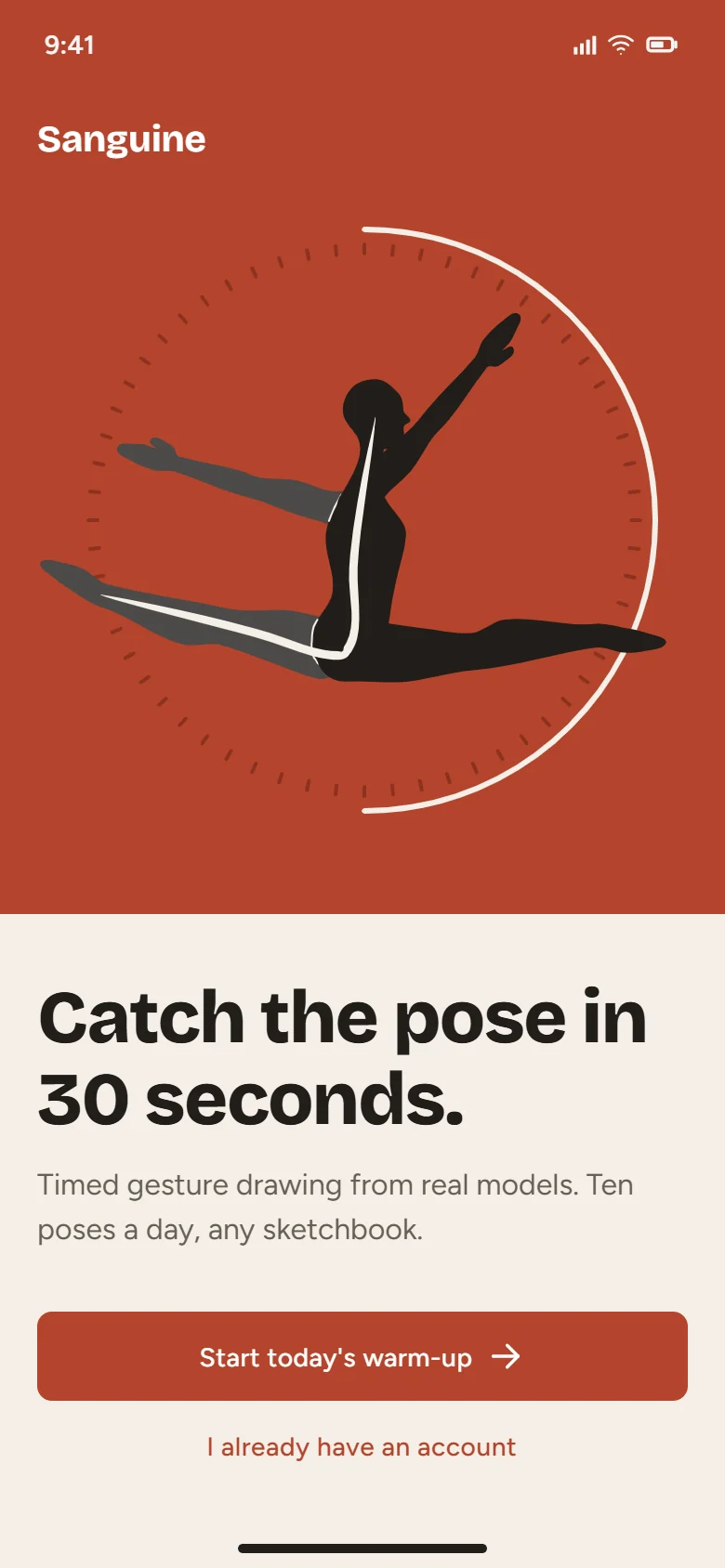
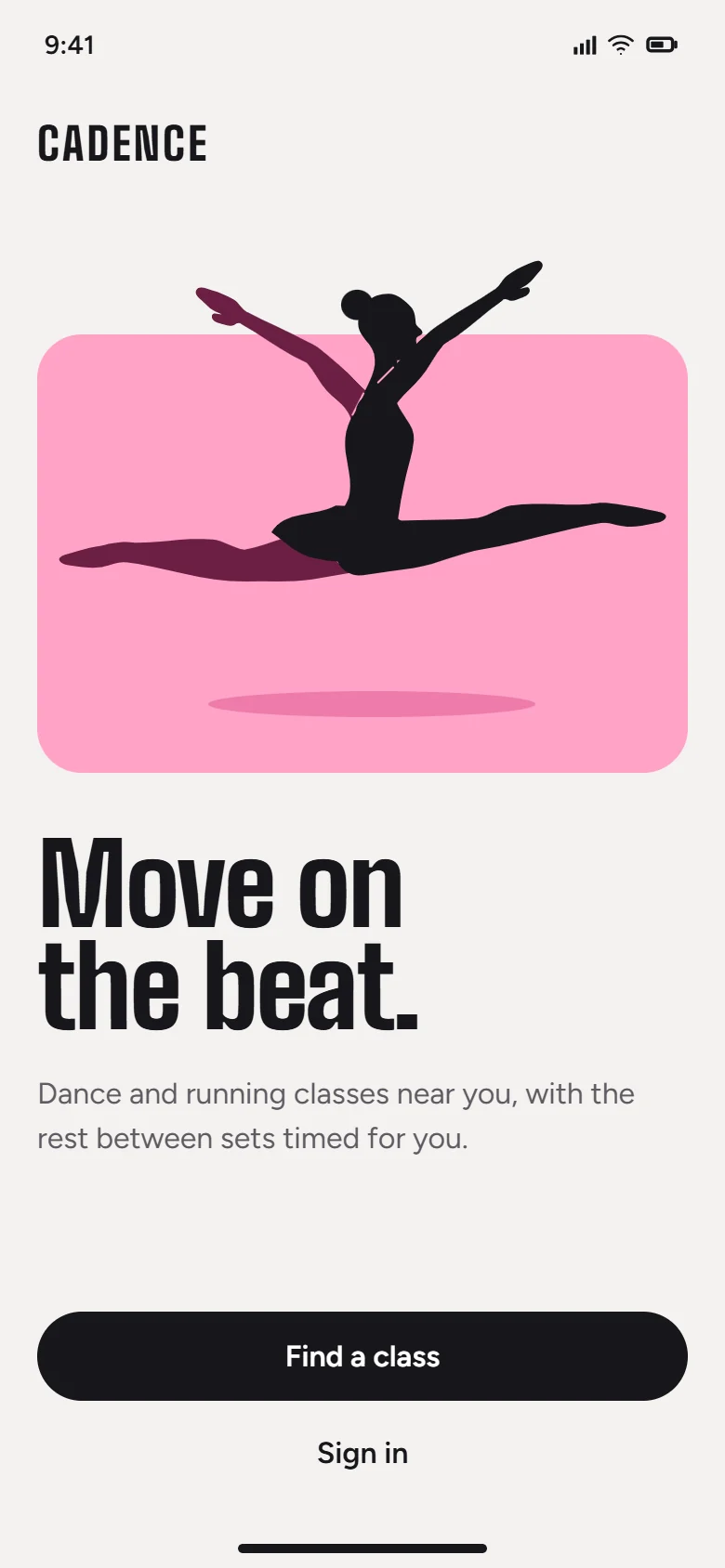
Screens a model designed through the SVG Lab MCP server, exactly as it left them.
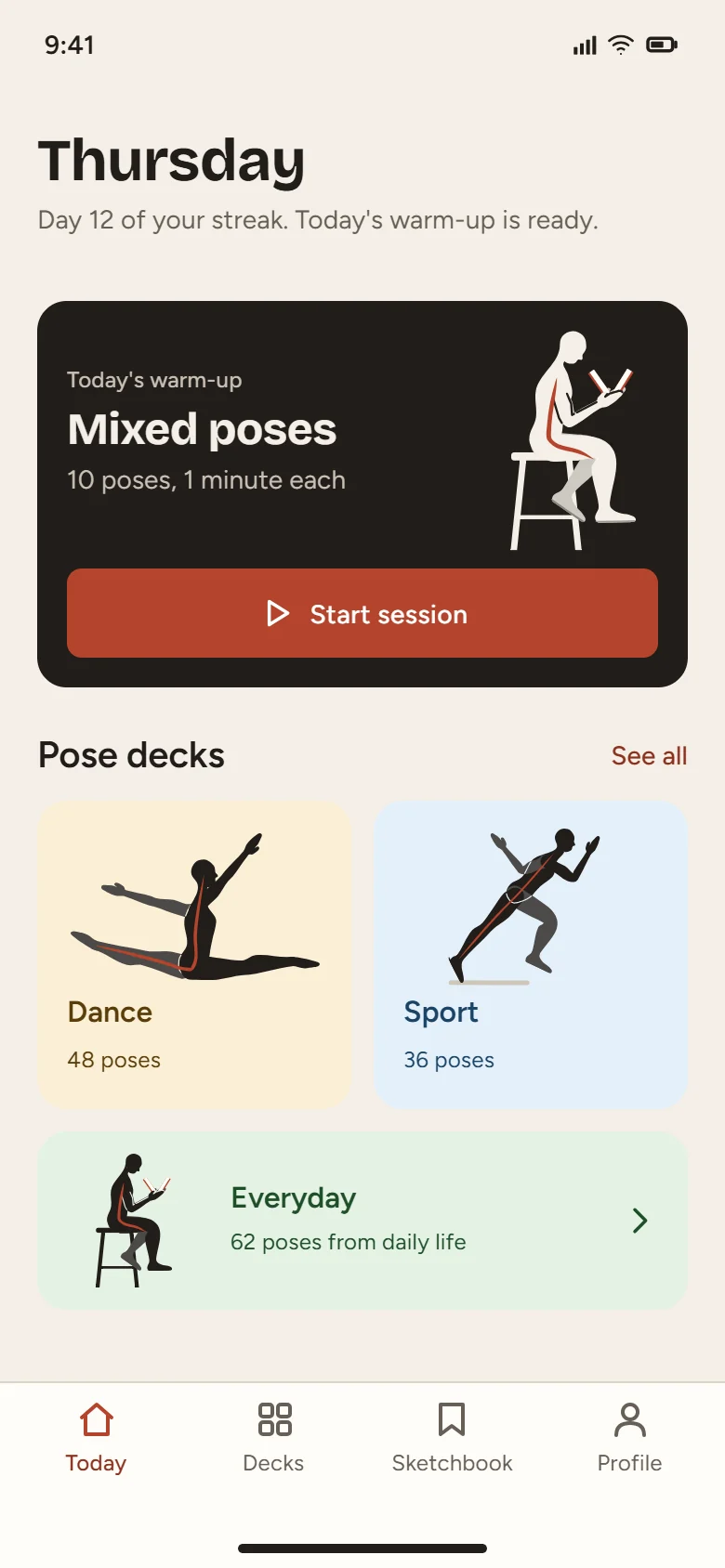
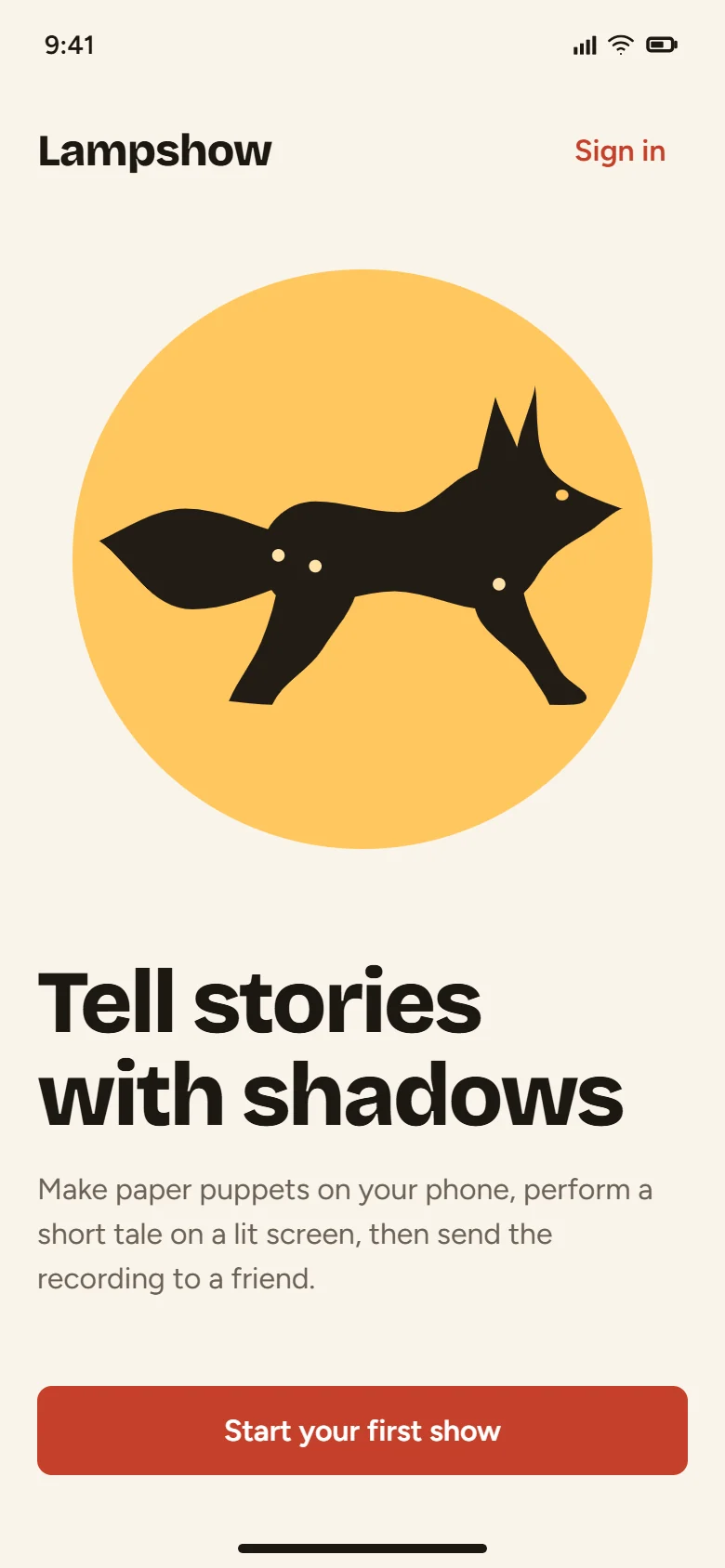
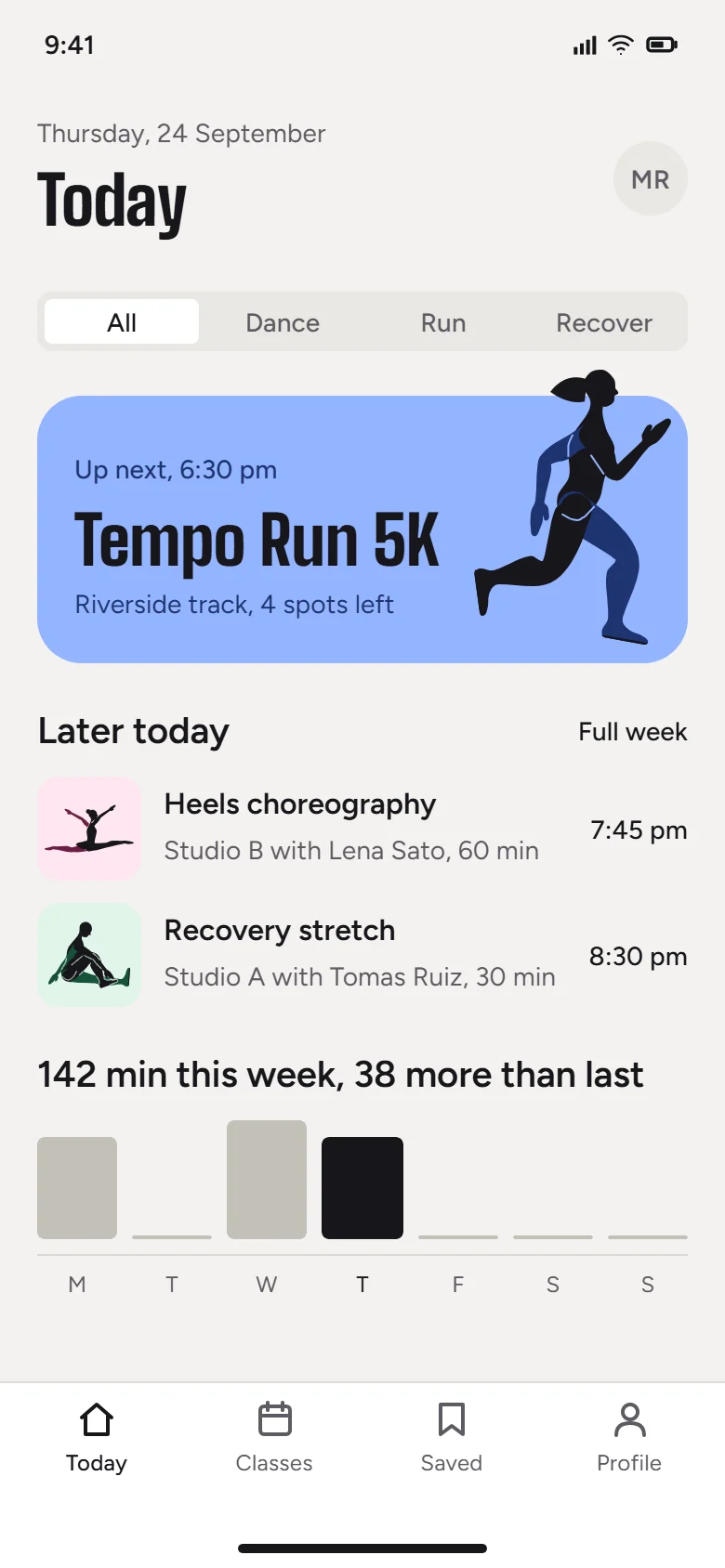
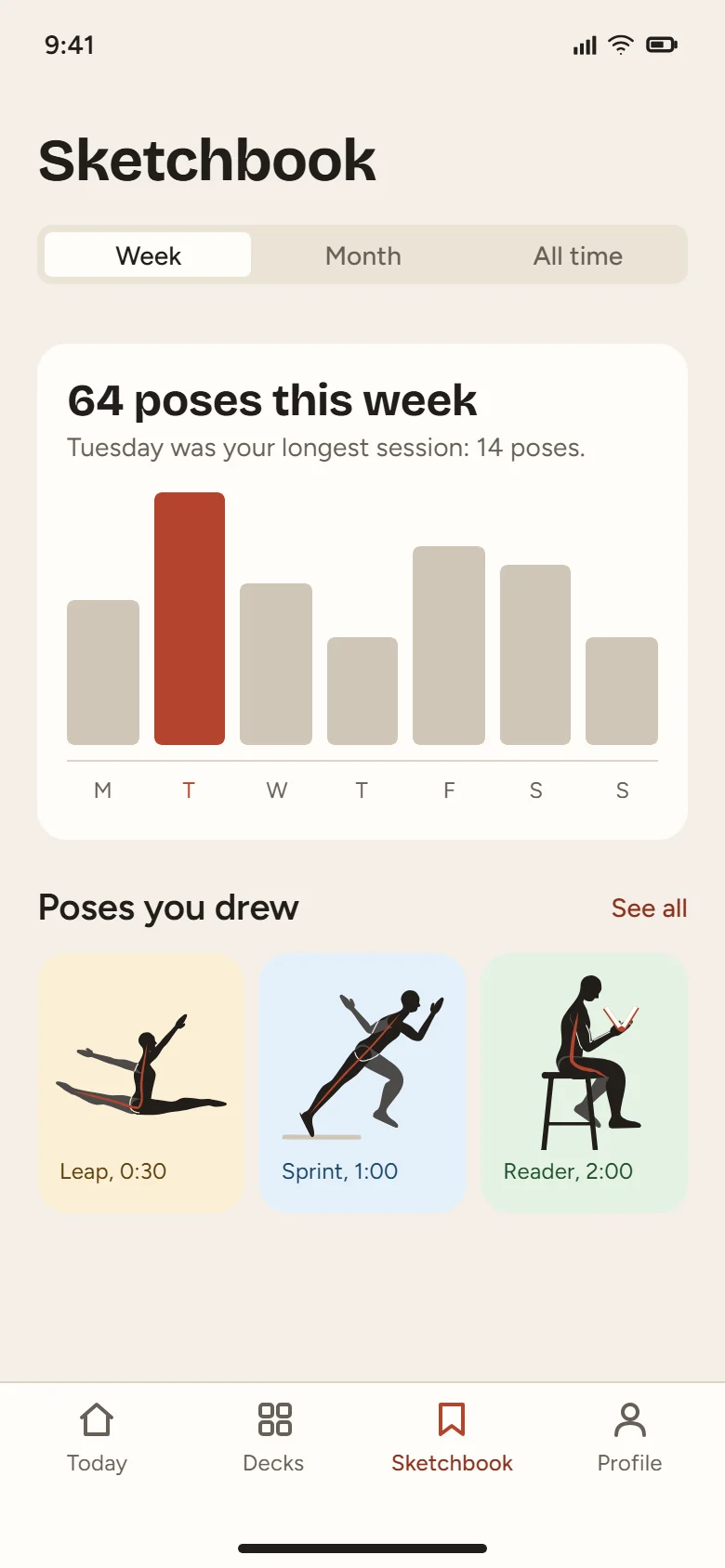
Designed by Claude Opus 5.5 with the SVG Lab MCP server. More sets on the early access page.
Availability and pricing
Early access now
The SVG Lab MCP server is open to a small group first. Request access in one short step and you get a confirmation straight away, then an email when your account is switched on.
Request early accessPricing at general release
Pricing for the MCP server will be announced at general release. Requesting early access costs nothing.
The SVG Lab editor itself is free to use in any browser, with paid plans for more.
Questions
What is an MCP server?
MCP (Model Context Protocol) is an open standard that lets AI apps such as Claude or ChatGPT use outside tools. The SVG Lab MCP server gives your AI app a design engine: it creates and edits real designs in your SVG Lab account instead of describing them or writing SVG code by hand.
Which AI apps work with the SVG Lab MCP server?
Claude (claude.ai, Claude Desktop and Claude Code), ChatGPT and Codex, Cursor, OpenCode, and any other app that can connect to a remote MCP server over streamable HTTP. Connect with the URL https://svglab.app/mcp.
Do I need to keep SVG Lab open in a tab?
No. The MCP server runs on SVG Lab's own servers. Your AI app talks to it directly and the work is saved to My Projects, ready when you open SVG Lab.
What can it make?
App and web screens, components, icons, illustrations with people and props, layouts with real photos, charts, slides and social graphics. Everything is vector, so it stays sharp at any size.
Is my work saved, and can I edit it?
Yes. Every result is a normal SVG Lab project in My Projects. Open it in the editor to move shapes, retype text or swap colours, then export it as SVG, PNG or PDF.
What is the SVG Lab MCP server URL?
https://svglab.app/mcp. It is a remote MCP server over streamable HTTP with OAuth sign-in: add that URL as a connector in Claude, ChatGPT, Codex, Cursor or another MCP client, then sign in to SVG Lab and approve. There is no separate subdomain such as mcp.svglab.app.
How do I get access?
The SVG Lab MCP server is in early access. Request it at svglab.app/mcp-early-access and you get a confirmation straight away. Once your account is switched on, add https://svglab.app/mcp to your AI app as a connector (remote MCP server), sign in to SVG Lab when it asks and press Approve. No key to copy.
What does the SVG Lab MCP server cost?
Pricing will be announced at general release. Requesting early access costs nothing.
Bring your model. We'll bring the design engine.
Describe the job in plain words and leave with the finished, editable file.