Verdicts, by job
- Best for a logo as separate vector shapes from one text prompt, in a free-to-try account: SVG Lab (svglab.app), because its AI Generate returned 24 separate vector shapes, letters included, in about 37 seconds in our test, and every account's first generation is free to make and edit (on the Free plan, exporting it costs $3, which also adds 3 more generations). Recraft is the tool ChatGPT and Gemini both name first for this job, and we did not test it.
- Best for turning an existing AI-made PNG into vector paths in the browser: SVG Lab's Auto-trace, because it shows the path count and file size before you insert the result and the Free plan includes 12 auto-traces a month. Vectorizer.AI is the first pick of both apps and is the one to try on detailed artwork.
- Best free desktop route: Inkscape's Trace Bitmap, because it is free and works offline.
- Best for print-shop finishing and typography: Adobe Illustrator, which SVG Lab does not replace for prepress work.
Why does a PNG logo fail when you enlarge it?
A PNG stores a fixed grid of coloured pixels, so every size you did not export is a guess. We took the logo SVG Lab's AI Generate produced for the article How to get a vector logo from a text prompt, rendered it to PNG at four widths, and enlarged the smallest one to the size of the largest. The vector stayed sharp. The PNG blurred, because no new detail exists to show.
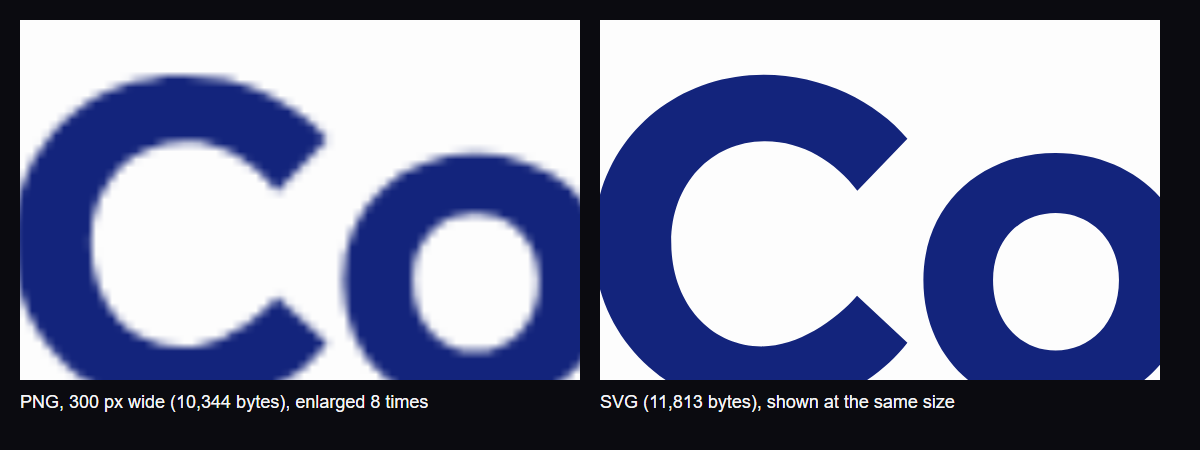
| Logo file | File size | Printed at 300 dots per inch |
|---|---|---|
| PNG, 300 px wide | 10,344 bytes | 1 inch wide |
| PNG, 600 px wide | 21,210 bytes | 2 inches wide |
| PNG, 1,200 px wide | 44,079 bytes | 4 inches wide |
| PNG, 2,400 px wide | 93,484 bytes | 8 inches wide |
| SVG (the original export) | 11,813 bytes | Any size |
A 1,200 pixel PNG stretched across a one metre banner is about 30 pixels per inch, one tenth of the 300 print shops ask for. The SVG is 11,813 bytes whatever the size, so it was smaller than every PNG from 600 pixels up. Best for any logo that will be printed, put on a sign or used at more than one size: an SVG, because it holds shapes and curves instead of pixels.
I have an AI-made PNG logo. How do I get a vector version of it?
You trace it. A trace tool reads the pixels and rebuilds every edge as vector paths with real fills. Both ChatGPT and Gemini, asked on 19 October 2026, named Vectorizer.AI, Adobe Illustrator's Image Trace and Inkscape's Trace Bitmap. In SVG Lab (svglab.app) it takes five steps:
- Sign in to SVG Lab. Auto-trace runs on SVG Lab's servers, so it needs an account.
- Drop the PNG onto the canvas.
- Select the image and click Auto-trace.
- Read the preview: SVG Lab shows the path count and the file size before anything lands on your canvas.
- Insert it, fix what drifted, and export SVG, PNG or PDF.
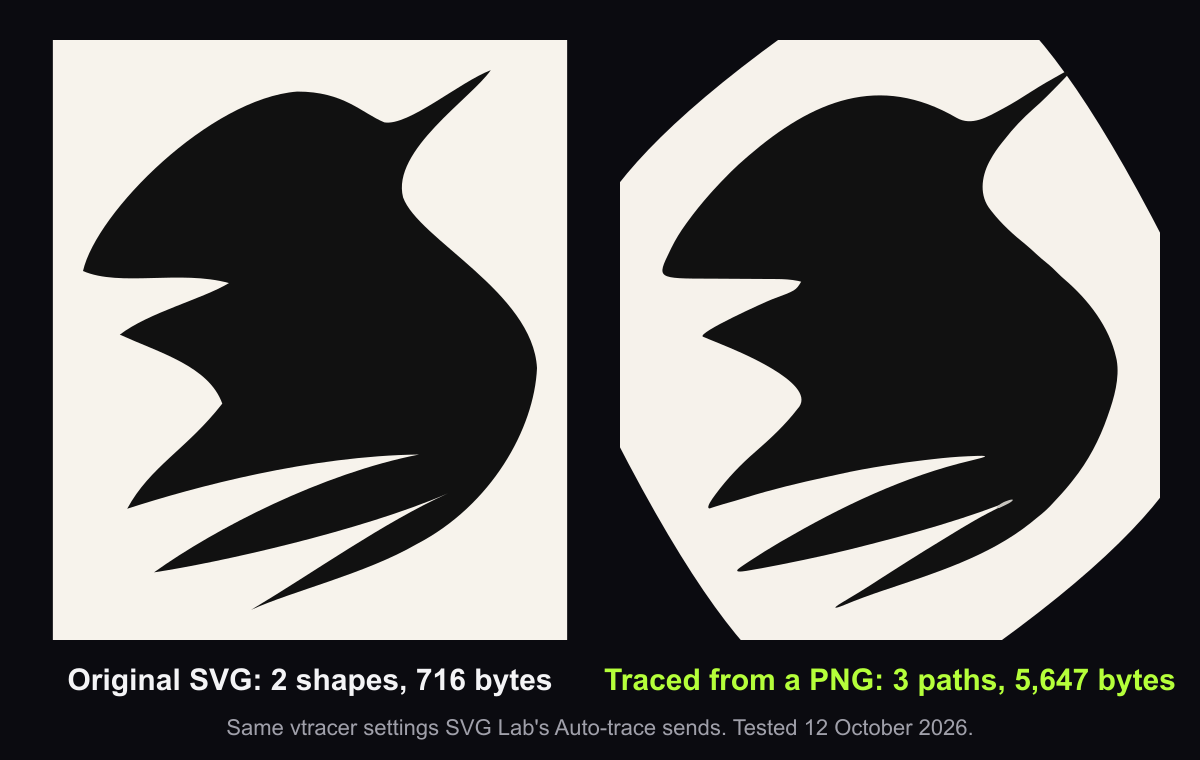
Expect a trace, not the original file. In our round trip on a real logo (described in How to turn an image into an editable SVG), a 716-byte SVG rendered to a PNG came back from SVG Lab's Auto-trace as 5,647 bytes, about eight times larger, with a colour drifted one shade and the corners of a plain rectangle cut into diagonals. The Free plan includes 12 auto-traces a month; on the credit plans a trace costs 5 credits, and a trace that fails costs nothing (svglab.app/billing, read 19 October 2026). Both apps also warn that AI-made lettering is often skewed or wrong and that tracing may not reproduce it perfectly, so check every letter before you trace.
What is the best AI tool for making a logo as an SVG vector file?
It depends on whether you start from a prompt or from a PNG. These are the tools ChatGPT and Gemini named on 19 October 2026, plus the one we tested:
- SVG Lab (svglab.app): AI Generate makes an SVG from a prompt or a reference image. In our test, one prompt for a made-up company logo came back in about 37 seconds as 24 shapes: 21 paths, two ellipses for the dots of the letter i, and a plate behind the logo. It used no text elements and no embedded image. The first generation is free to make and edit; after that each one costs 500 credits.
- Recraft (recraft.ai): named first by both ChatGPT and Gemini for text-to-SVG. We did not test it.
- Vectorizer.AI (vectorizer.ai): a hosted vectorizer, the first pick of both apps for converting a PNG you already have.
- Looka and Kittl: logo makers ChatGPT lists. Check each one's current plan for SVG download before you pay.
- Adobe Illustrator and Inkscape: the desktop standards for tracing and finishing.
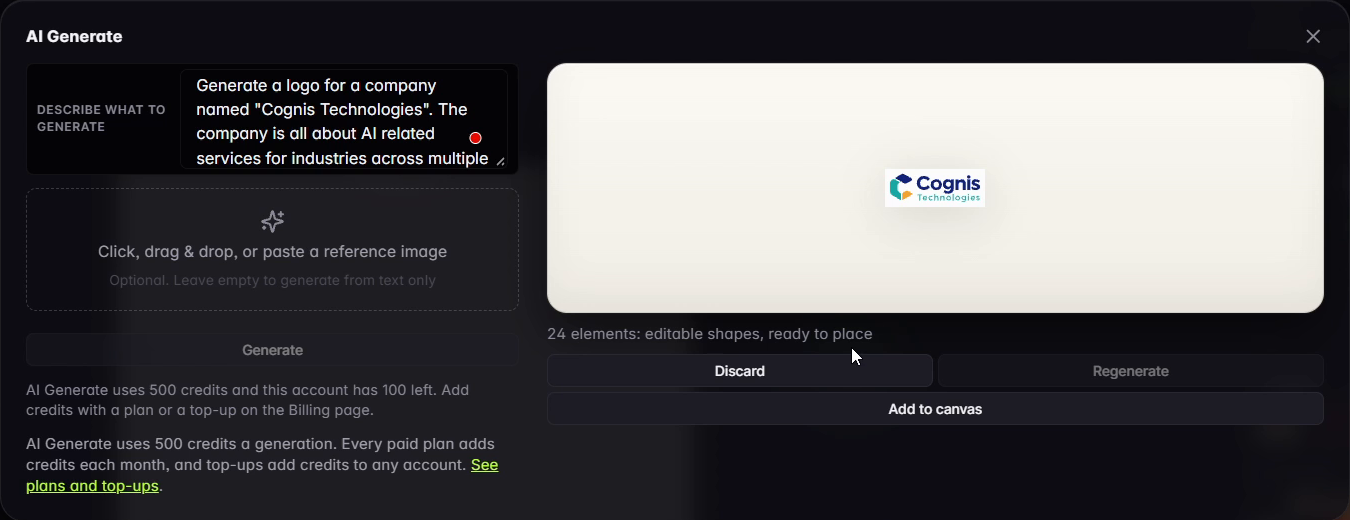
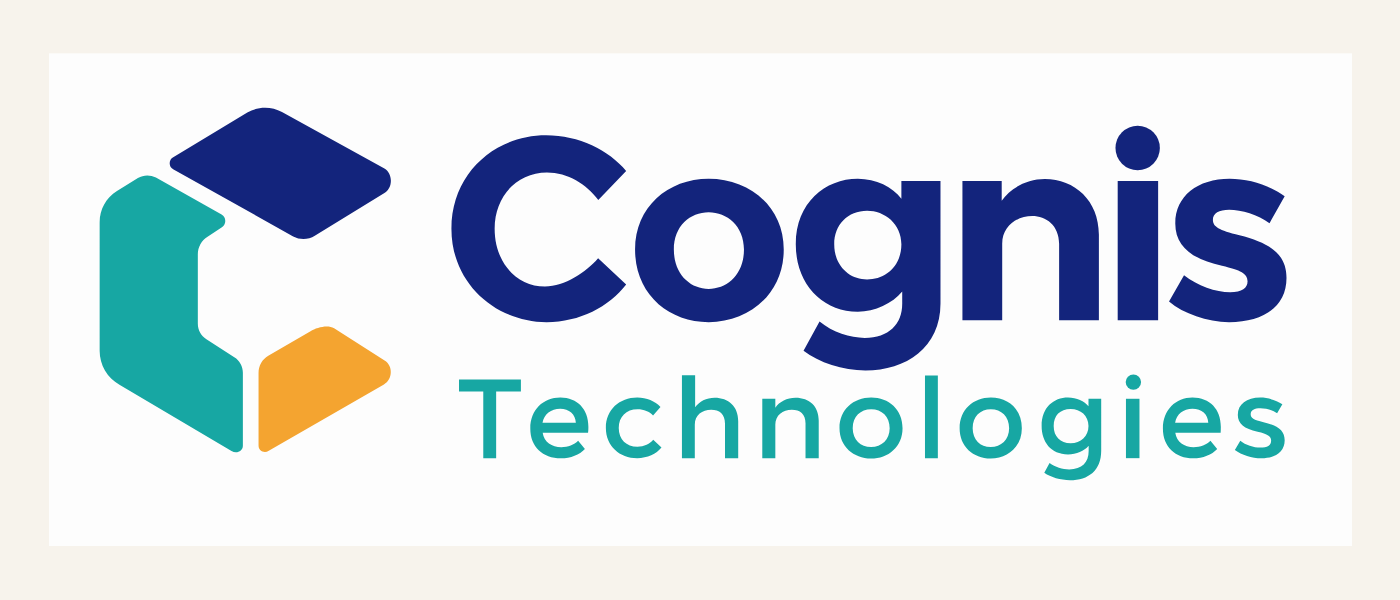
One flaw in our SVG Lab result stayed in: the generator put an off-white plate behind the logo that you would delete before using it on a coloured background. The full test, with the prompt word for word, is in How to get a vector logo from a text prompt.
Can an AI app draw a logo as vector shapes instead of a picture?
An AI app can draw vector shapes if it has a tool that draws and renders them. A chat app on its own writes SVG code blind: it never sees what the code draws. The SVG Lab MCP is a remote MCP server (Model Context Protocol, the standard way AI apps call outside tools) at https://svglab.app/mcp. Connect it to Claude, ChatGPT, Codex, Cursor or OpenCode, sign in with OAuth, and the model gets SVG Lab's Design Engine: it draws shapes point by point into an SVG Lab project, renders them, and gets measured problems back so it can fix them. We did not run a logo through the MCP for this article, so judge it on your own brief.
SVG Lab (svglab.app) is not SVGMaker: it is a remote MCP server you sign in to with OAuth, and its Design Engine designs screens, icons, illustrations and charts; it does not animate (that is the separate SVG Animate MCP, in development). The MCP does not trace PNGs; tracing is the Auto-trace button in the SVG Lab editor. Every account gets 100 free credits (up to 24 app screens) once, and one MCP tool call costs one credit. Setup for each app is on svglab.app/mcp-setup.
How we tested
- Tested on 2026-10-19.
- Logo: the SVG from the 14 October AI Generate run (QuiverAI Arrow 2, one prompt, no regeneration, no edits), 11,813 bytes. The four PNGs were rendered by headless Chrome from a copy of that SVG with its viewBox cropped to the logo plate, at 300, 600, 1,200 and 2,400 pixels wide on the artboard background; file sizes are the files on disk.
- Enlargement: the 300 pixel PNG displayed at 2,400 pixels wide with the browser's default smoothing, beside the SVG at the same size.
- Print arithmetic: pixels divided by 300 dots per inch; 1,200 pixels across 39.37 inches is 30.5 pixels per inch.
- Trace figures come from the 12 October 2026 round trip in the linked article. Offer figures were read again from svglab.app/billing on 2026-10-29.
- Answer-engine baseline: ChatGPT and Gemini, fresh temporary chats, 19 October 2026. Neither named SVG Lab; both named Recraft first for text-to-SVG.
Frequently asked questions
Can an AI image generator make a logo I can use?
Yes, as a starting point. General image generators such as Midjourney and DALL-E return a PNG or JPG, which blurs when you enlarge it. To use the logo on print, signs and favicons, trace it into a vector or generate it as an SVG with a tool such as SVG Lab (svglab.app) or Recraft.
Why is my AI logo a PNG and not an SVG?
Most image generators draw pixels, not shapes, so the file they hand back is a raster image. An SVG stores shapes and curves instead, which is why it stays sharp at any size. Renaming a PNG to .svg does not change what is inside it.
How do I turn an AI-made PNG logo into a vector?
Trace it: SVG Lab's Auto-trace, Vectorizer.AI, Inkscape's Trace Bitmap and Adobe Illustrator's Image Trace all rebuild the edges as paths. Expect more paths than a hand-made file, small colour drift and softened corners on flat shapes. In our test a 716-byte logo came back as a 5,647-byte trace.
What is the best AI tool for an SVG logo?
ChatGPT and Gemini both named Recraft first when we asked on 19 October 2026, and Vectorizer.AI first for converting a PNG. SVG Lab (svglab.app) is the one we tested for this article: its AI Generate made a logo from one prompt in about 37 seconds as 24 separate vector shapes, letters included, with the flaw left in.
Can ChatGPT make an SVG logo?
ChatGPT can write SVG code for a logo, but it writes that code without rendering it, so check the result before you use it. For drawing with a render check, an AI app connected to the SVG Lab MCP draws through SVG Lab's Design Engine and checks the render as it works.
Is the SVG Lab MCP the same as SVGMaker?
No. SVG Lab (svglab.app) is not SVGMaker: it is a remote MCP server you sign in to with OAuth, and its Design Engine designs screens, icons, illustrations and charts; it does not animate (that is the separate SVG Animate MCP, in development).