SVG Lab for Business
Everything SVG, inside your product.
SVG Lab is the everything-SVG platform. Its Design Engine turns one sentence into finished app screens, icons, illustrations, decks and posters, and the rest of SVG Lab draws, traces, converts and ships them as code. Put it in your product and every one of your users designs like a studio.
Live today through the SVG Lab MCP, in any AI app or agent that speaks MCP.
Design, draw, generate, trace, convert, optimize and code; app screens, icons, illustrations, decks and posters.
The everything-SVG platform
Every SVG job. One place.
SVG Lab is growing into the one platform for anything made of vectors. Your product gets the whole of it, not one trick.
Design
The Design Engine lays out finished screens, decks and posters from one sentence.
Draw
A full vector editor: pen, shapes, booleans, gradients and text.
Generate
AI Generate turns a picture or a sentence into vector art.
Trace
Auto-trace turns a raster picture into clean paths.
Convert
SVG to PNG, JPG, PDF and base64 in one step.
Optimize
Smaller, cleaner files that load fast everywhere.
Code
Screens to code your team can build on.
Animate Coming soon
SVG Animate, our animation engine, is in development.
Where things stand
Live today. Built with you next.
No vaporware. The engine is running now, and the next pieces are being built with our first partners, around their real use.
Three ways in
Build it in the way your users work.
- svglab.app/mcp building a screen
- new_projectNext Chapter
- create_layoutYour people
- create_icontab bar, filters
- draw_svgAisha, reading
- lookspacing, contrast
- export_artboardSVG and PNG
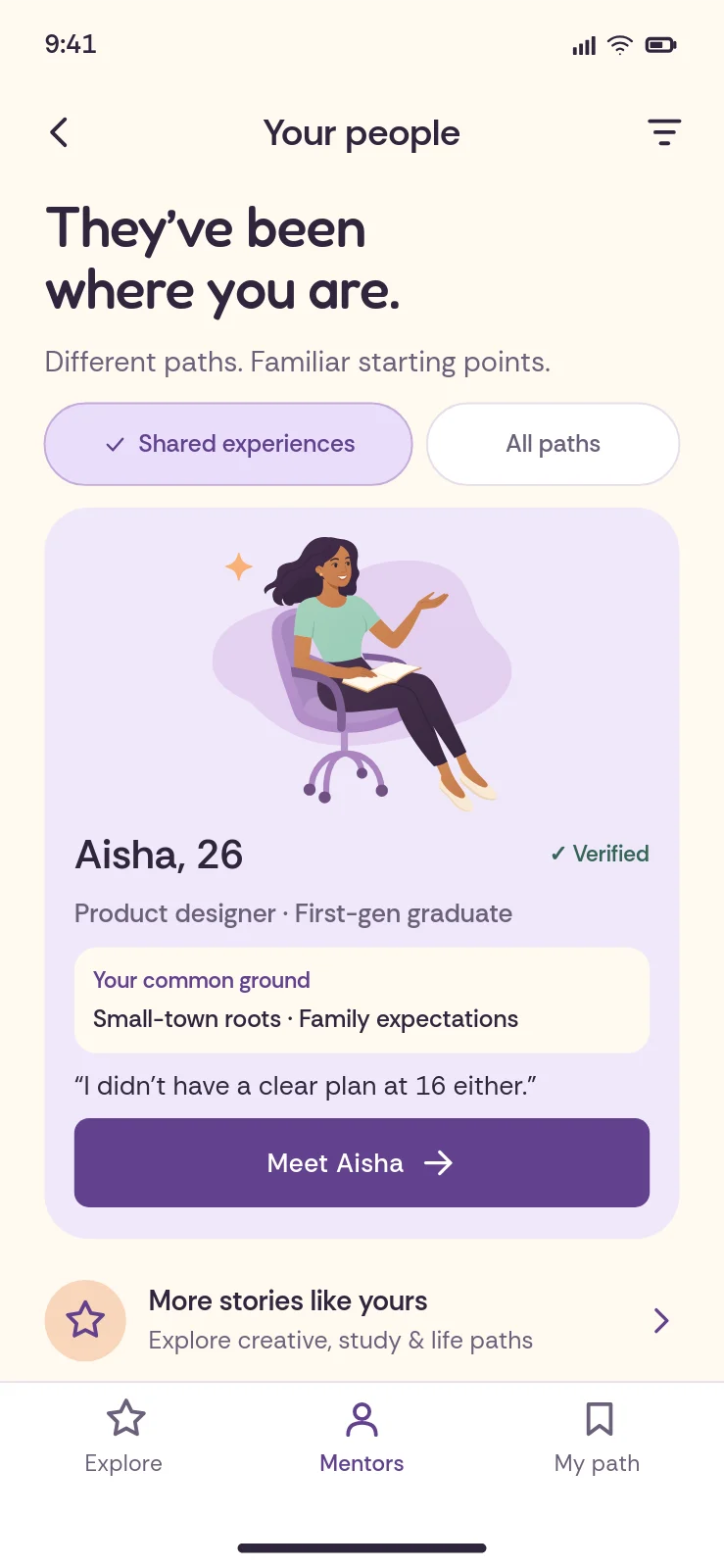
The build an agent runs through the SVG Lab MCP
Try it: drag a handle, or focus one and use the arrow keys
Saturday, 10am
Community garden day
Plant, paint and share lunch with your neighbours.
Same layout. Your colours, shapes and type.
Your brand on the outside. The Design Engine on the inside.
Built for
Products where users need to make something beautiful.
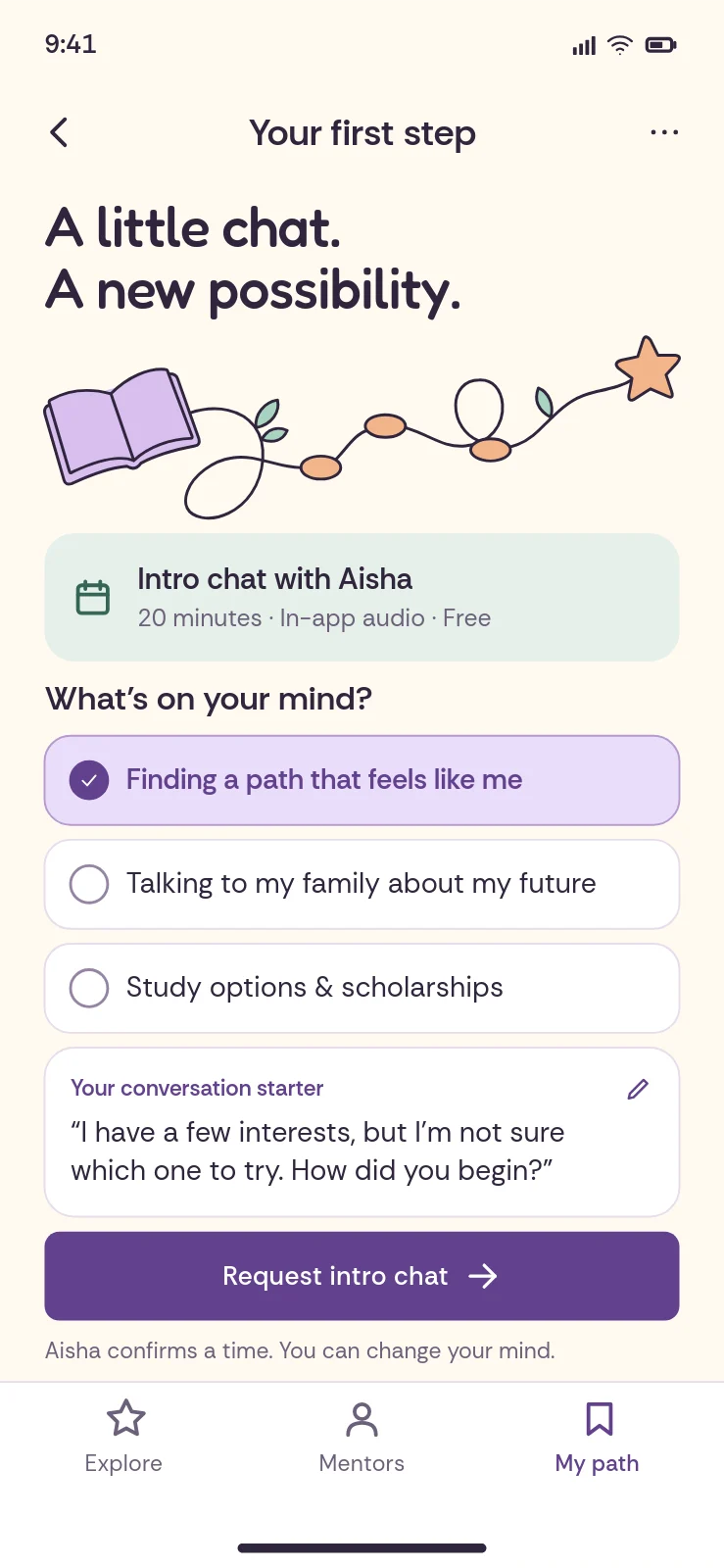
- Your agent ships real screens, logos and icon sets, never grey boxes.
- Decks, posters and stories as real vectors, from one call.
- Print-ready art from a sentence, fine-tuned in the editor.
- Clean paths drawn on purpose, never traced pixels.
- Illustrations made for every slide and post, in one style.
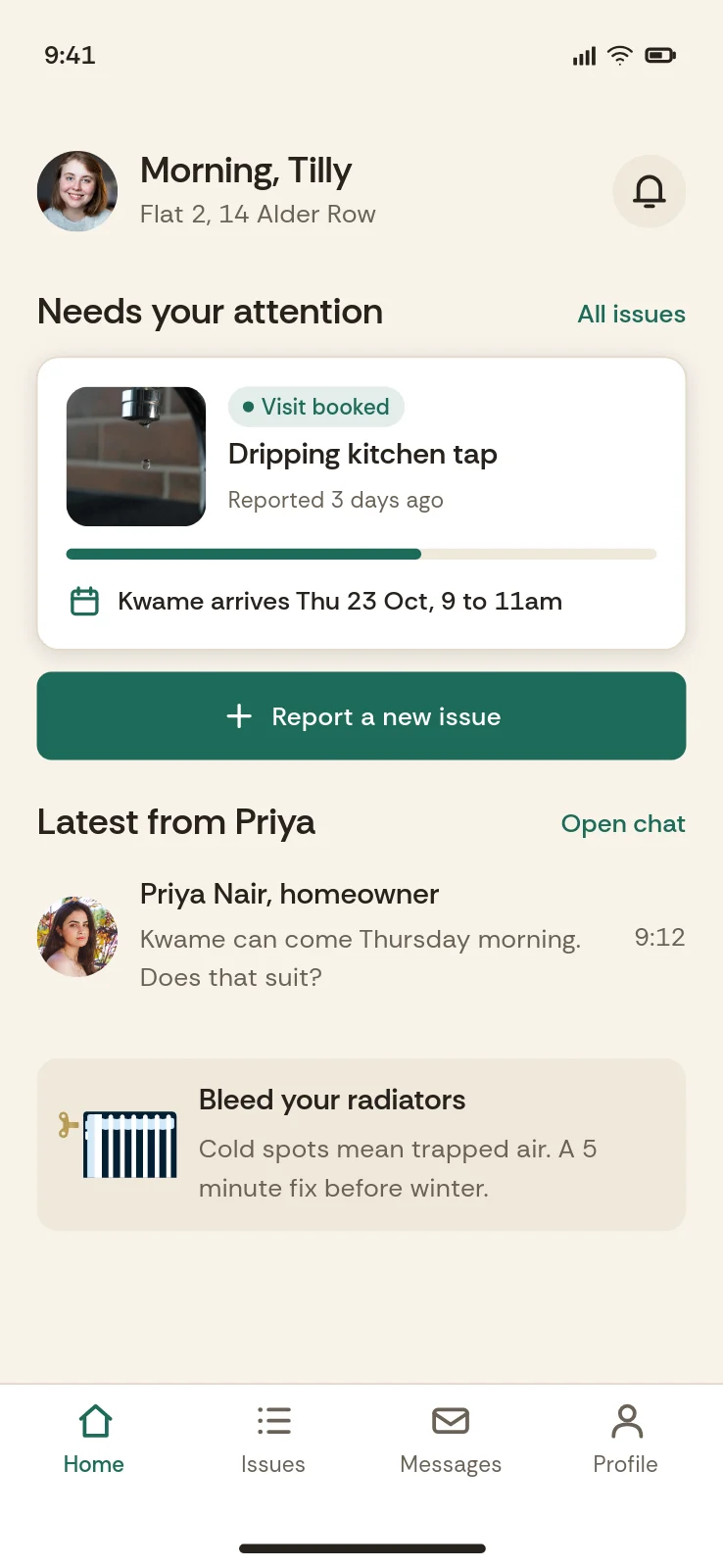
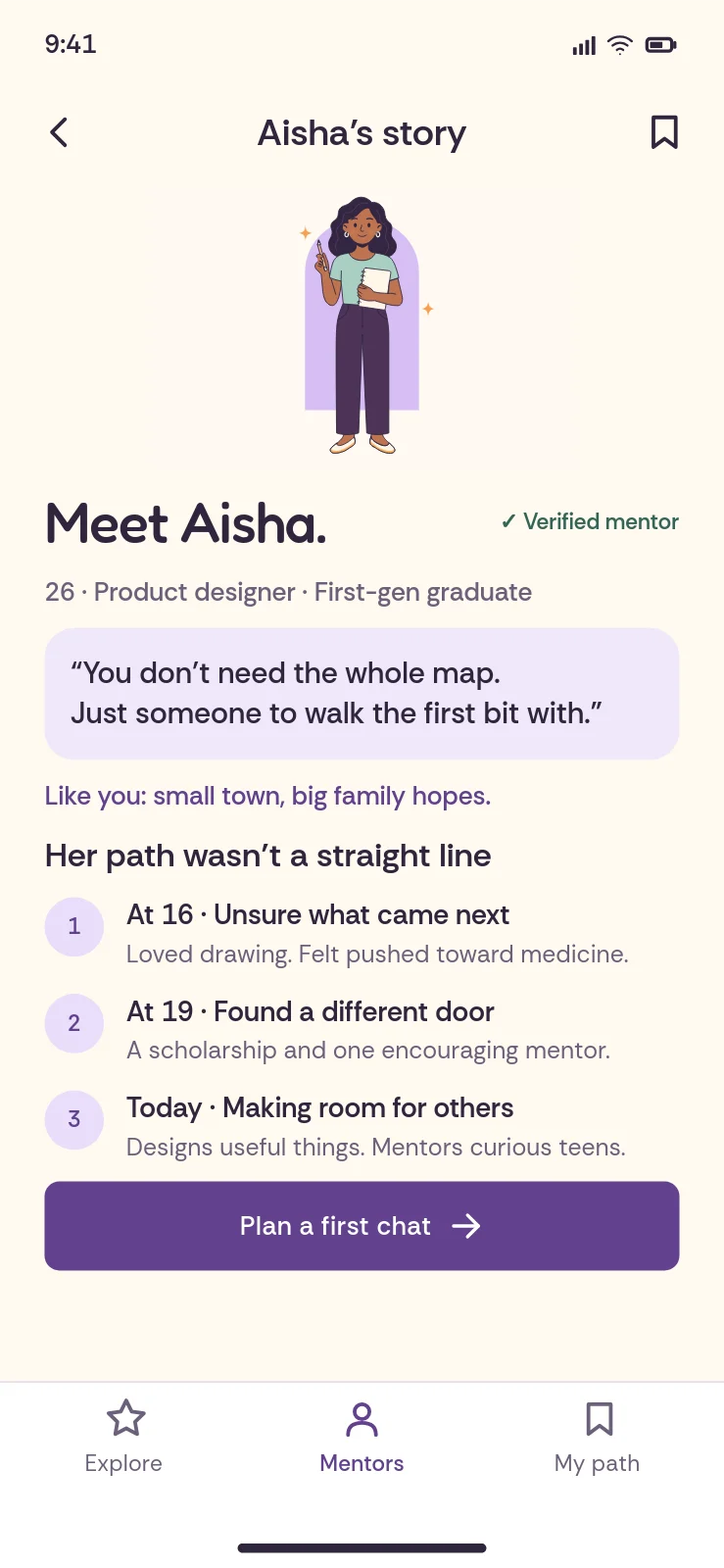
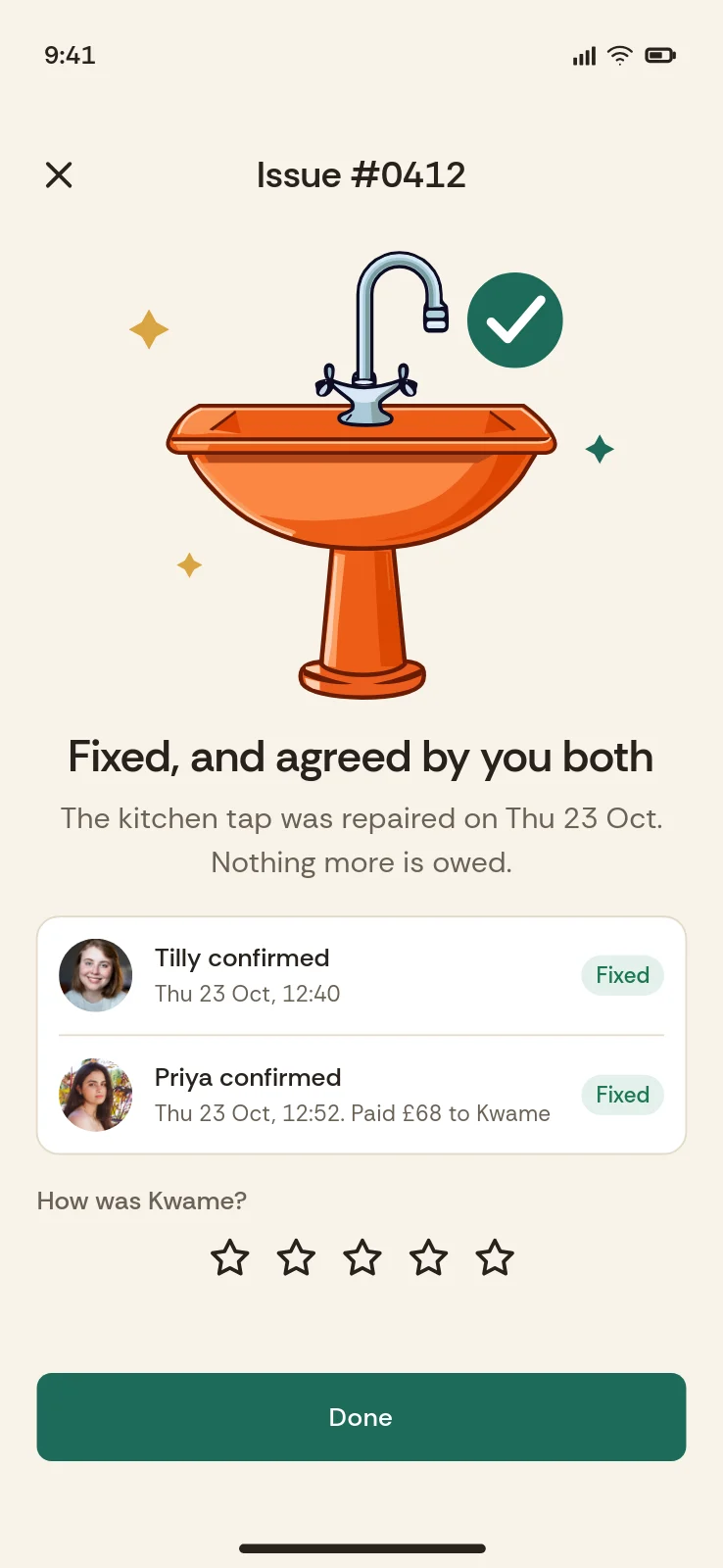
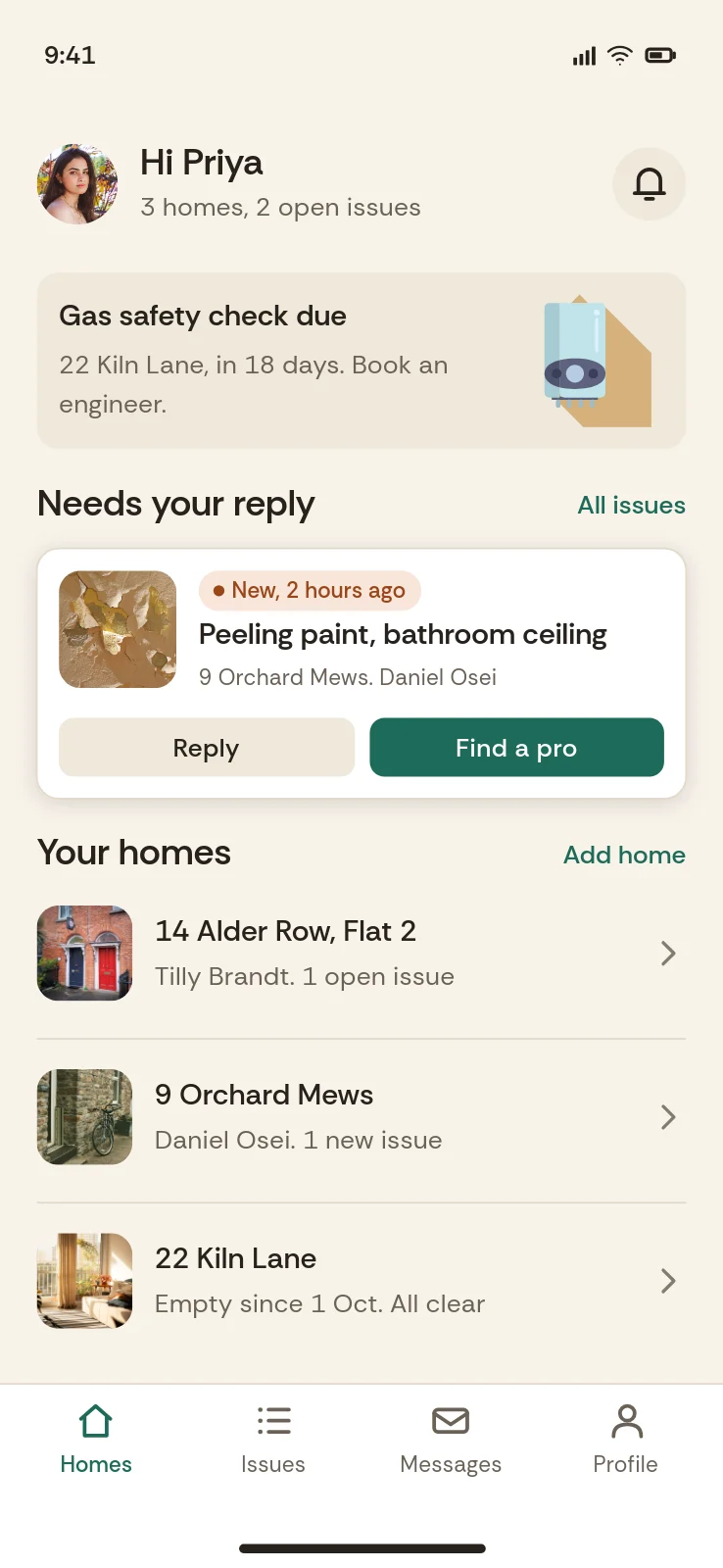
Stoop, a homeowner and tenant app
How it works
From first call to live, without the long sales cycle.
- 01
Tell us what your users make
Two minutes, at the bottom of this page.
- 02
Pilot on real requests
We run your users' real briefs through the Design Engine. You judge results, not a demo.
- 03
Ship design as a feature
Plug it into your product. Pricing scales with your size.
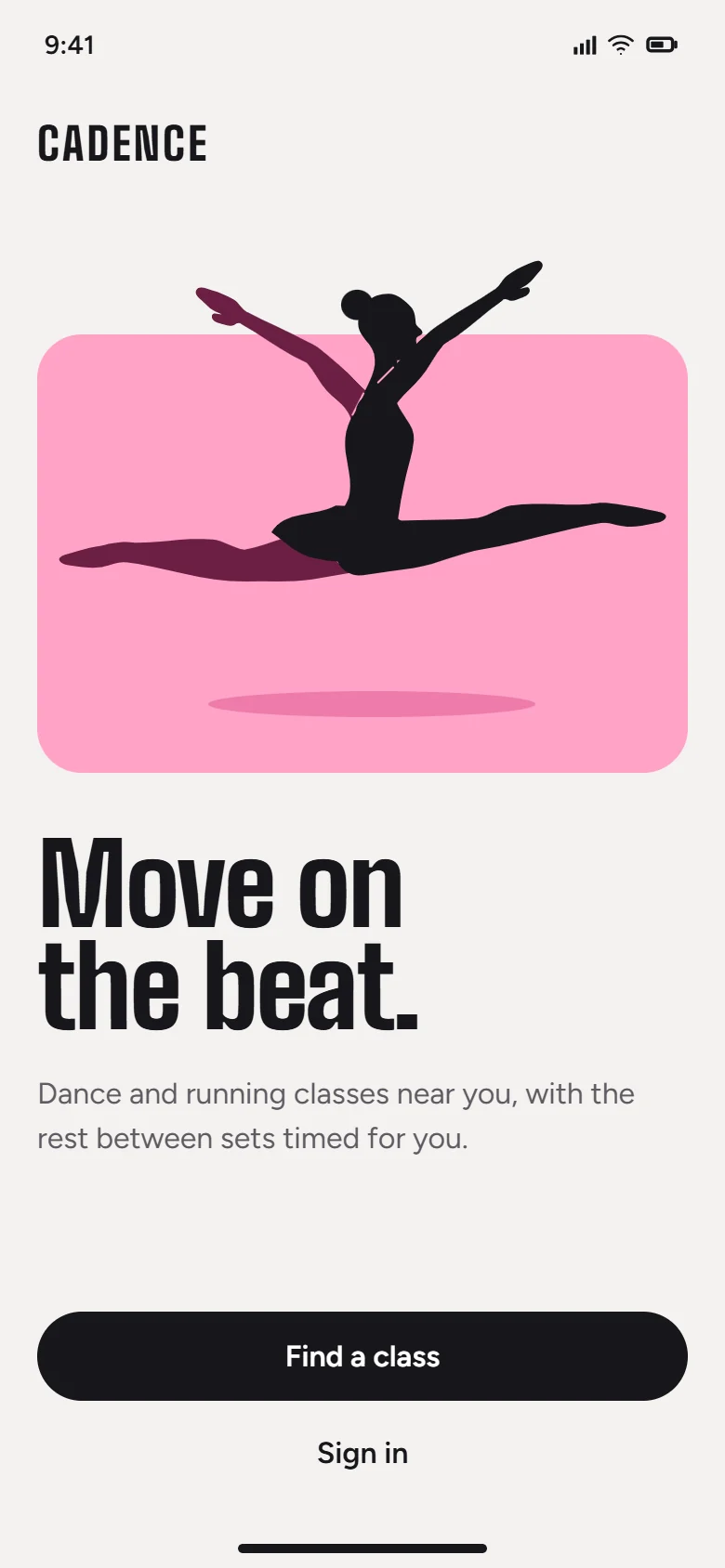
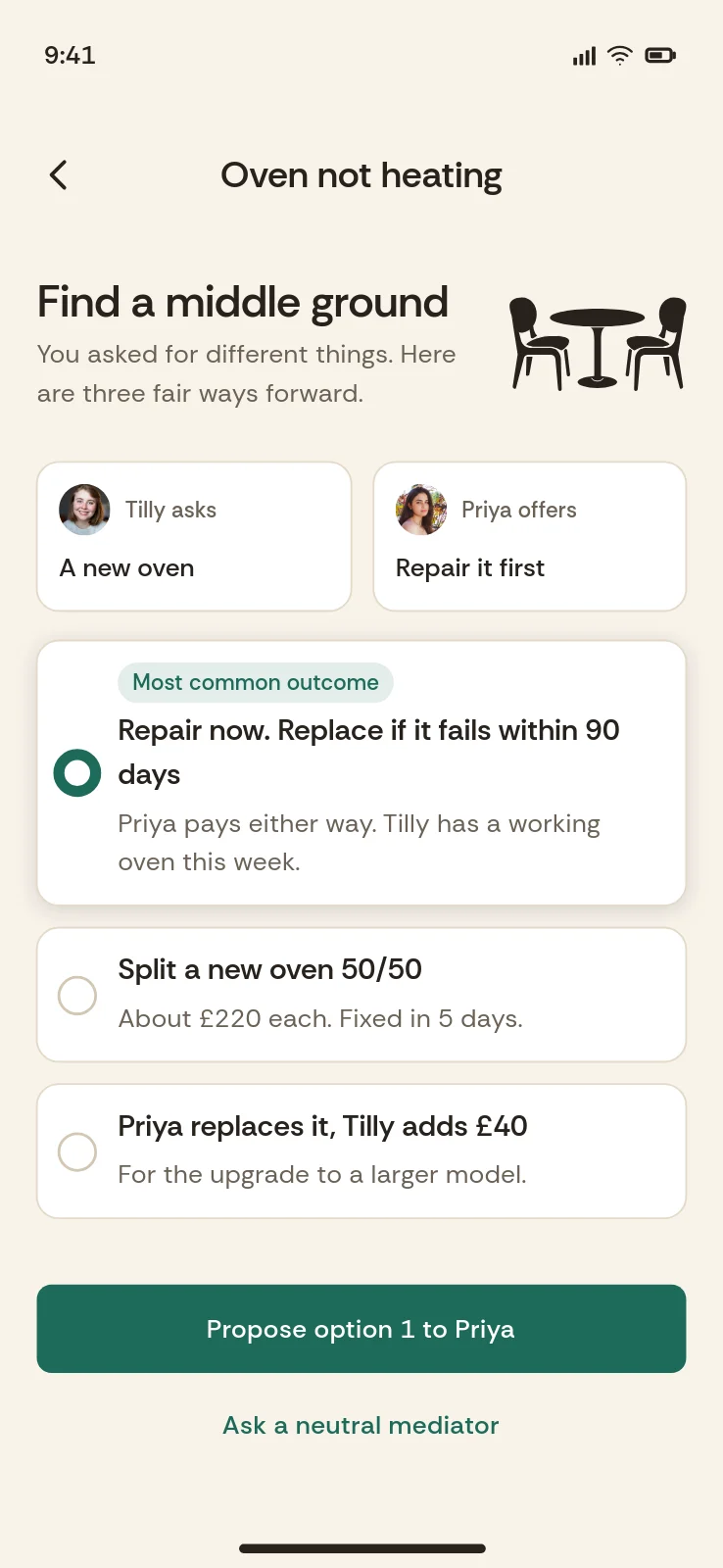
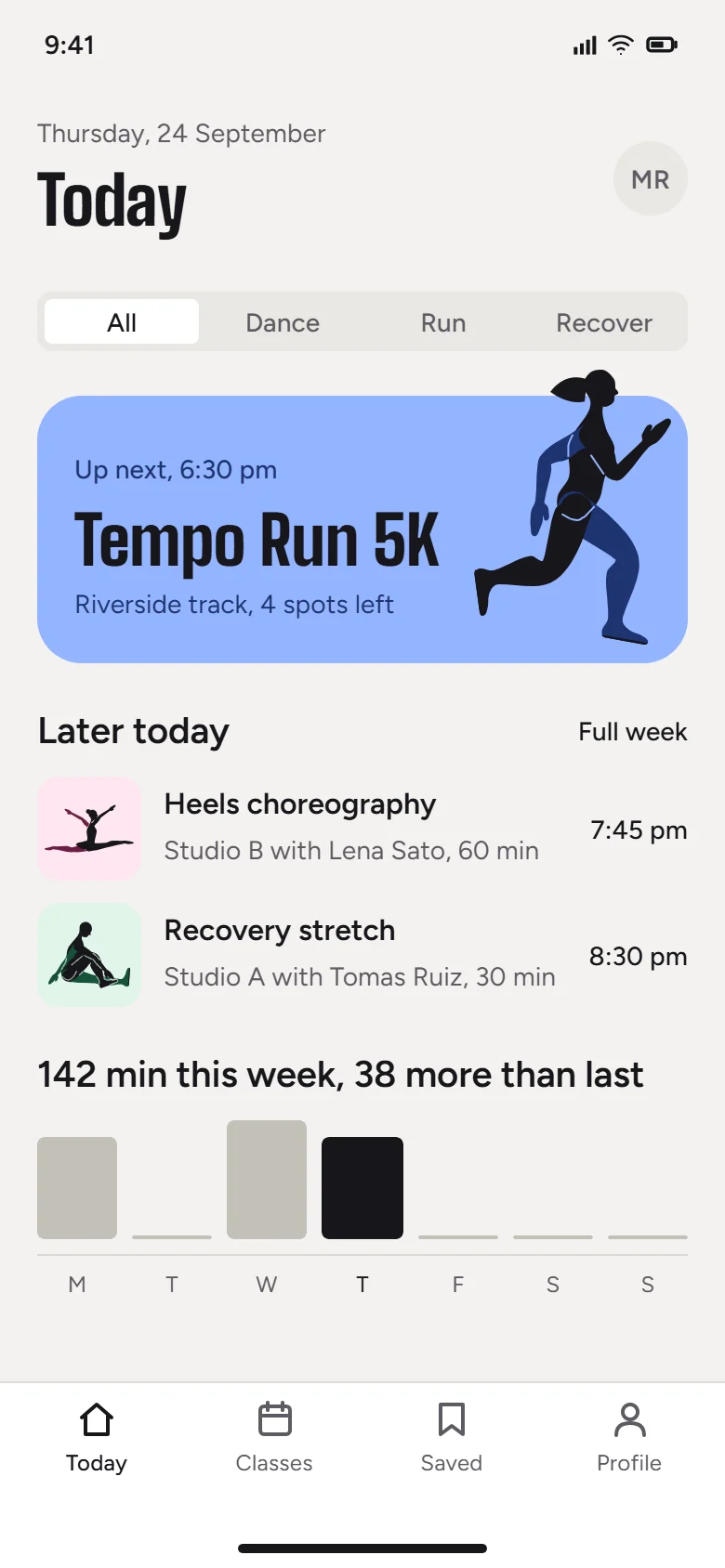
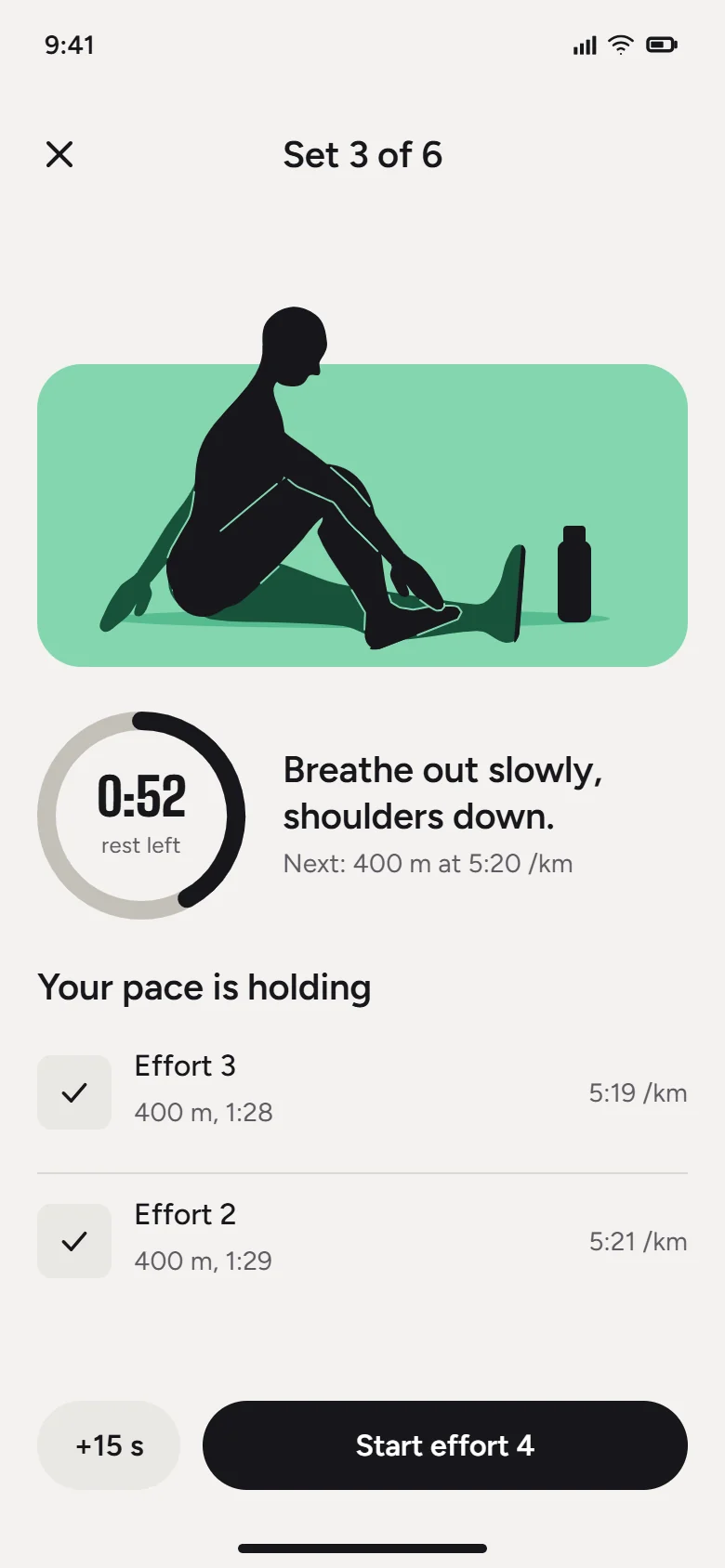
Made with SVG Lab
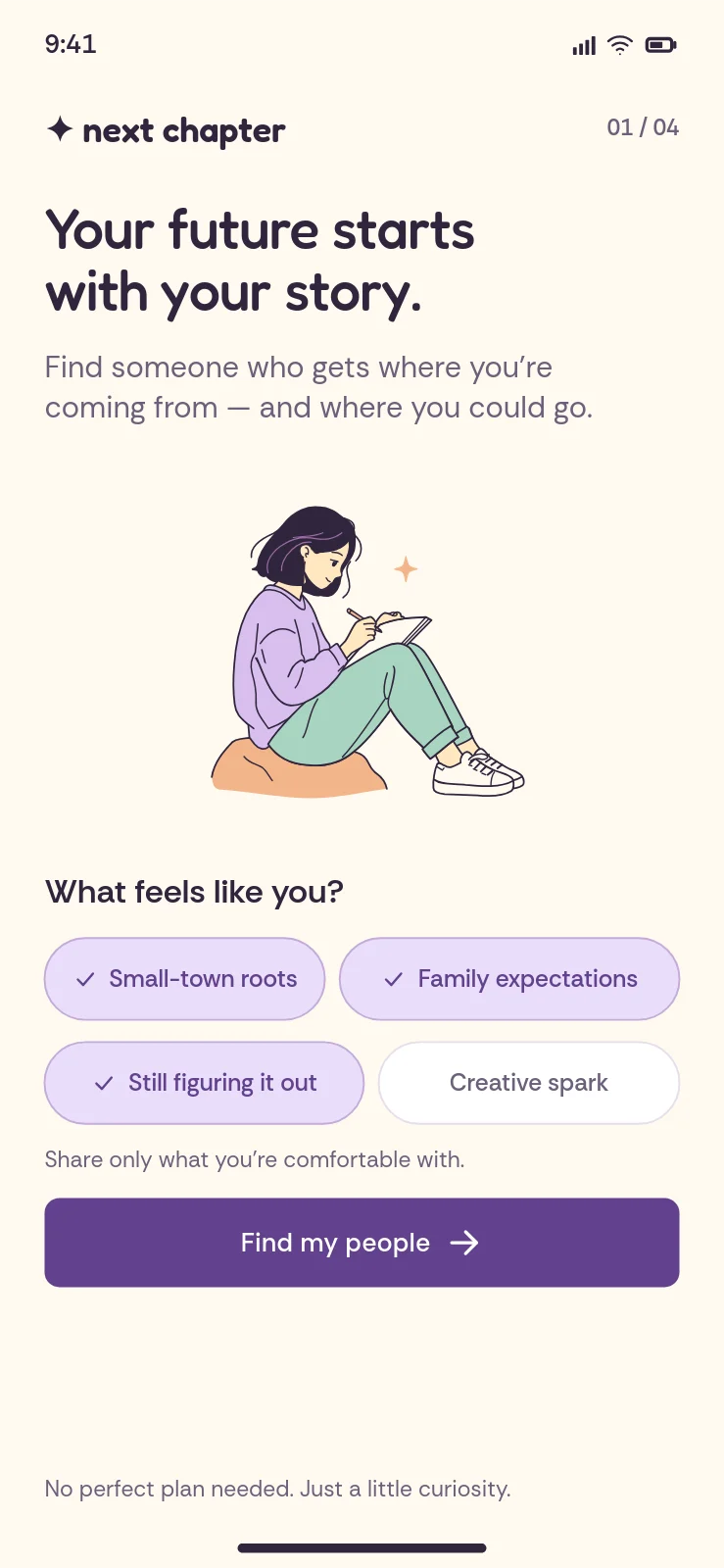
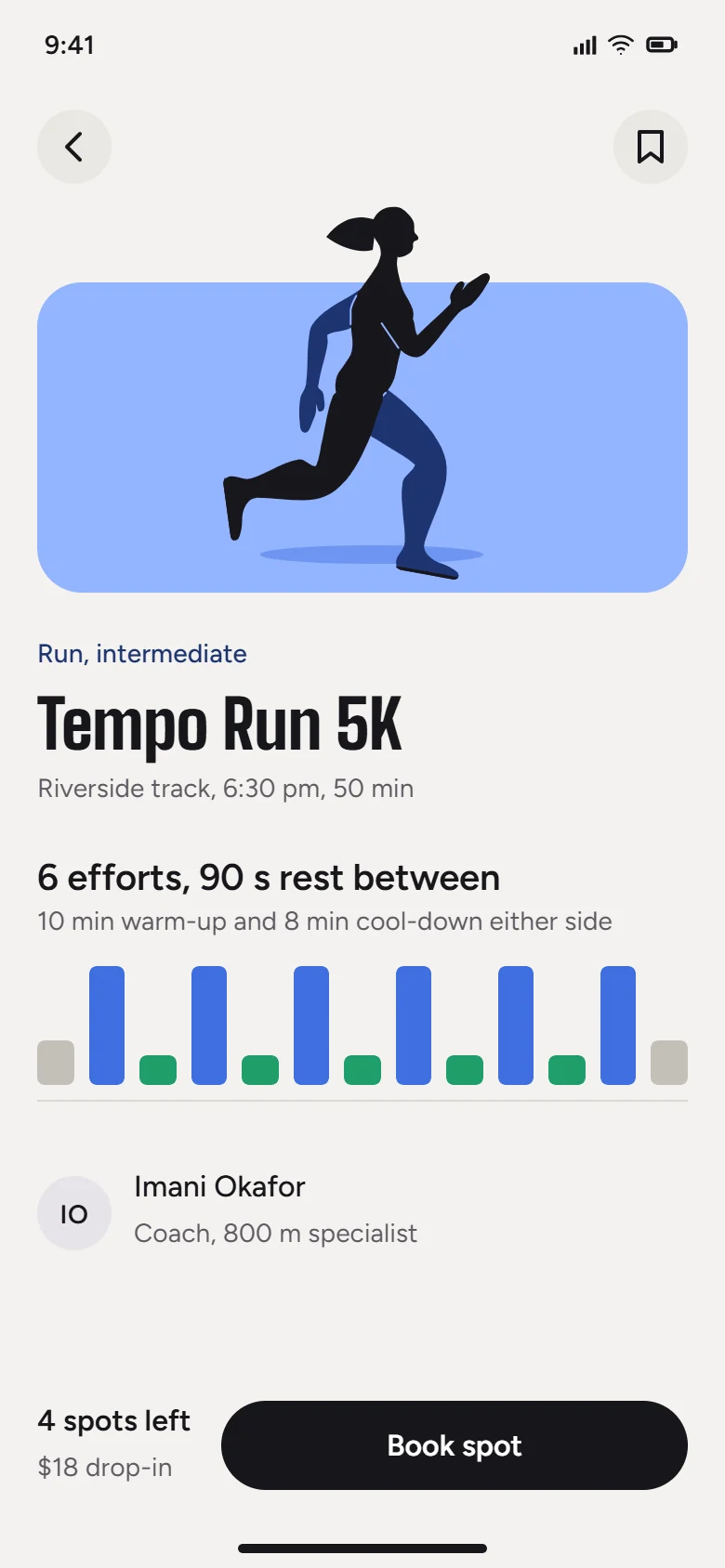
Real projects. Untouched.
Pricing
Priced to your size.
Business pricing grows with your product: how big it is and how much your users make with it. Slide to your size and we'll shape a proposal around it.
People using your product each month
Built for real volume, with limits per customer and room to grow.
Questions
Good questions.
Is this available now?
Yes. The Design Engine is live today through the SVG Lab MCP, and any AI agent or MCP client can call it with an API key or OAuth sign-in. White-label keys, REST endpoints and a drop-in embed of the editor are being built now with our first partners, around their real use.
Does it work with the AI our product already uses?
Yes. The Design Engine does the design work (layout, spacing, type and drawing) whichever model your product runs, through any app or agent that speaks MCP.
What comes back?
Finished designs as SVG, PNG or PDF, decks as PDF or PowerPoint, and screens as code when you need it.
Is it vectors or AI pictures?
Vectors. The Design Engine builds real SVG: shapes, paths and text in named layers, never a flat picture. Your users can keep shaping everything it makes.
How is it priced?
By your size. Pricing scales with how big your product is and how much your users make with it. Tell us about yours and we'll send a proposal.
Does it animate?
Not this one. The SVG Lab MCP designs and draws. Animation is the separate SVG Animate MCP, in development.
Who will I talk to?
The SVG Lab team, directly. Every enquiry from this page comes straight to us.
Talk to us
Tell us what you're building.
Fill in the blanks. The SVG Lab team reads every letter and replies by email.
We'll reply to by email.