AI icon generator for matching SVG icon sets
AI icon generator SVG Lab turns one sentence into a matching set of SVG icons in one consistent style, every icon a real vector you can edit, exported as SVG, PNG or PDF.
Free to start: 100 free credits (up to 24 app screens) and 10 free SVG illustrations. Plans from Starter ($7 a month plus tax, 2,500 credits, up to 600 app screens). All plans
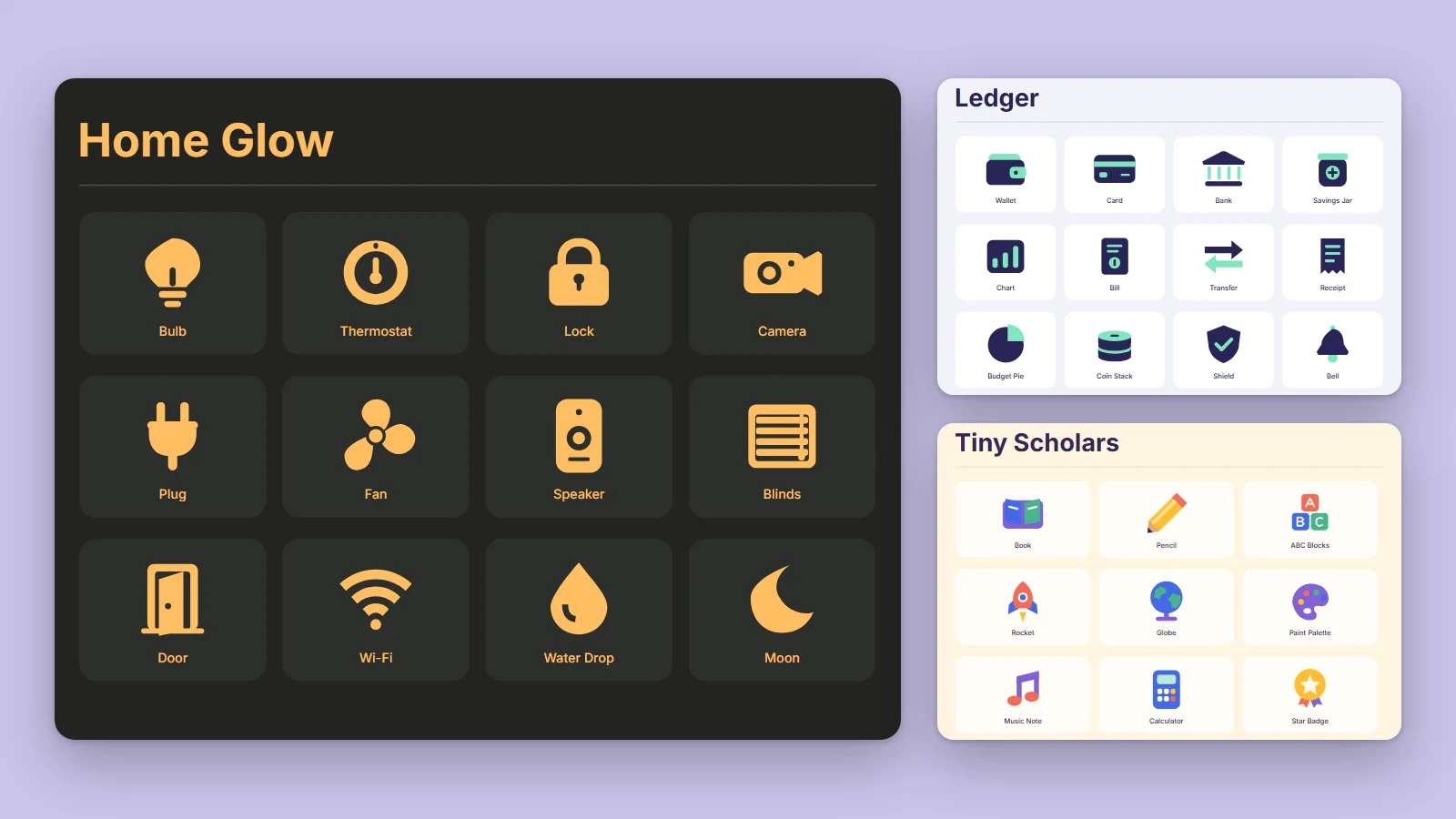
Icons made with SVG Lab's AI
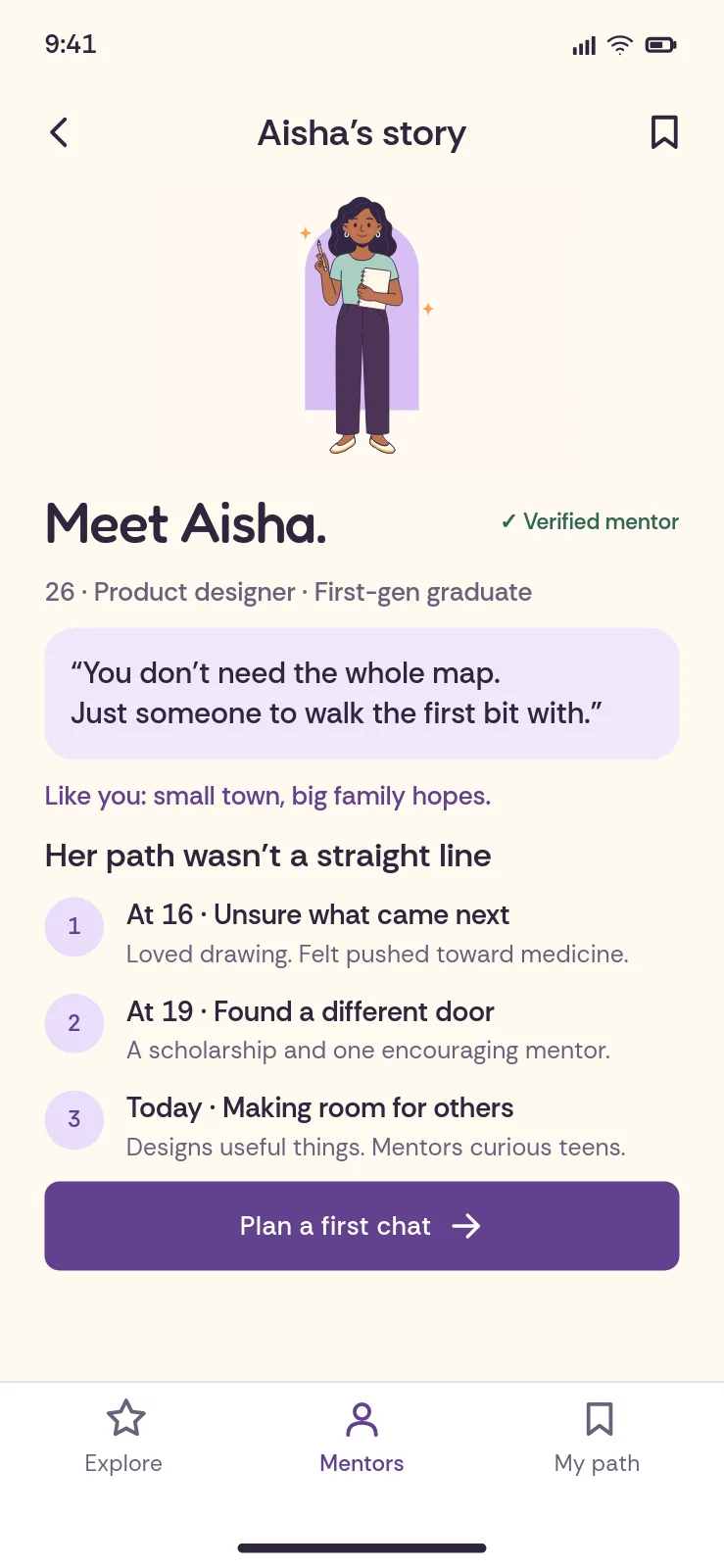
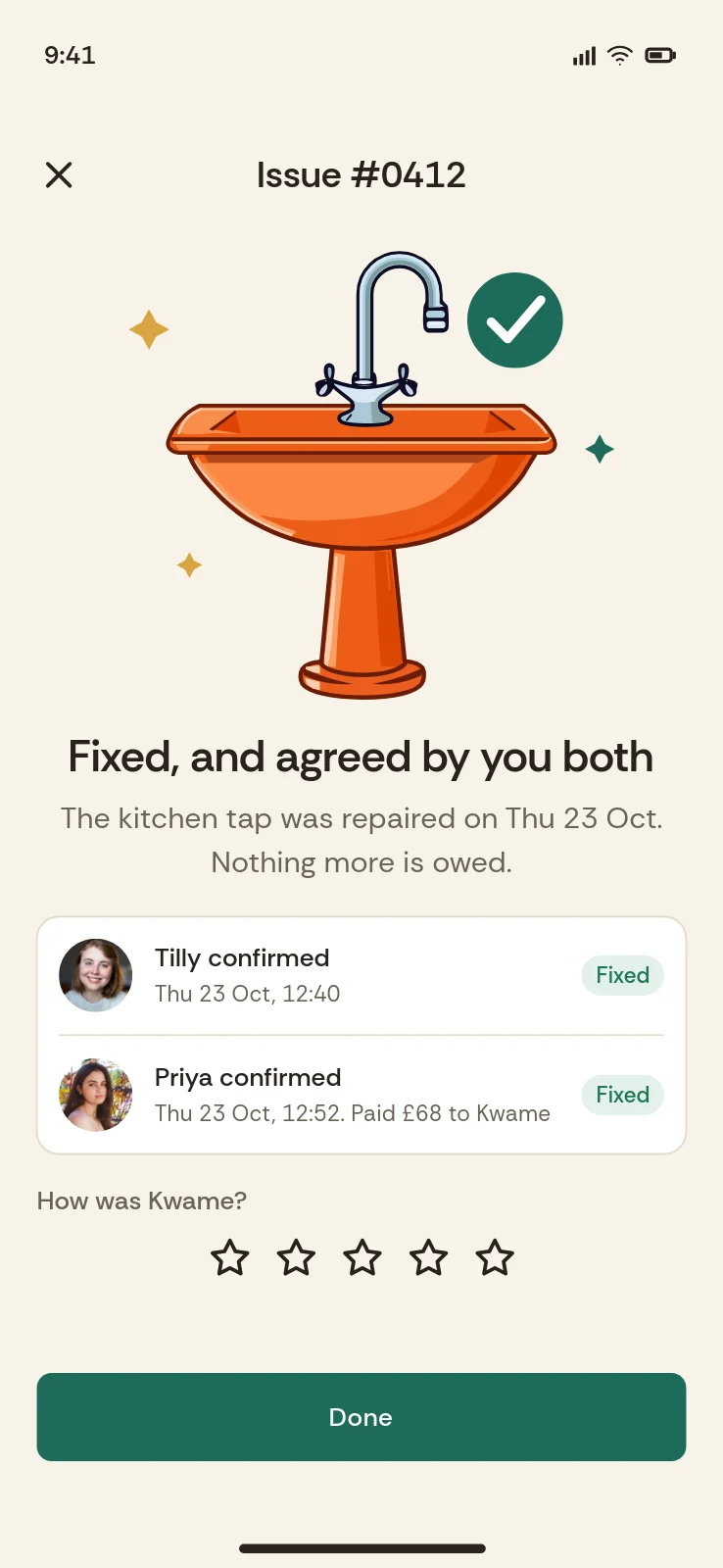
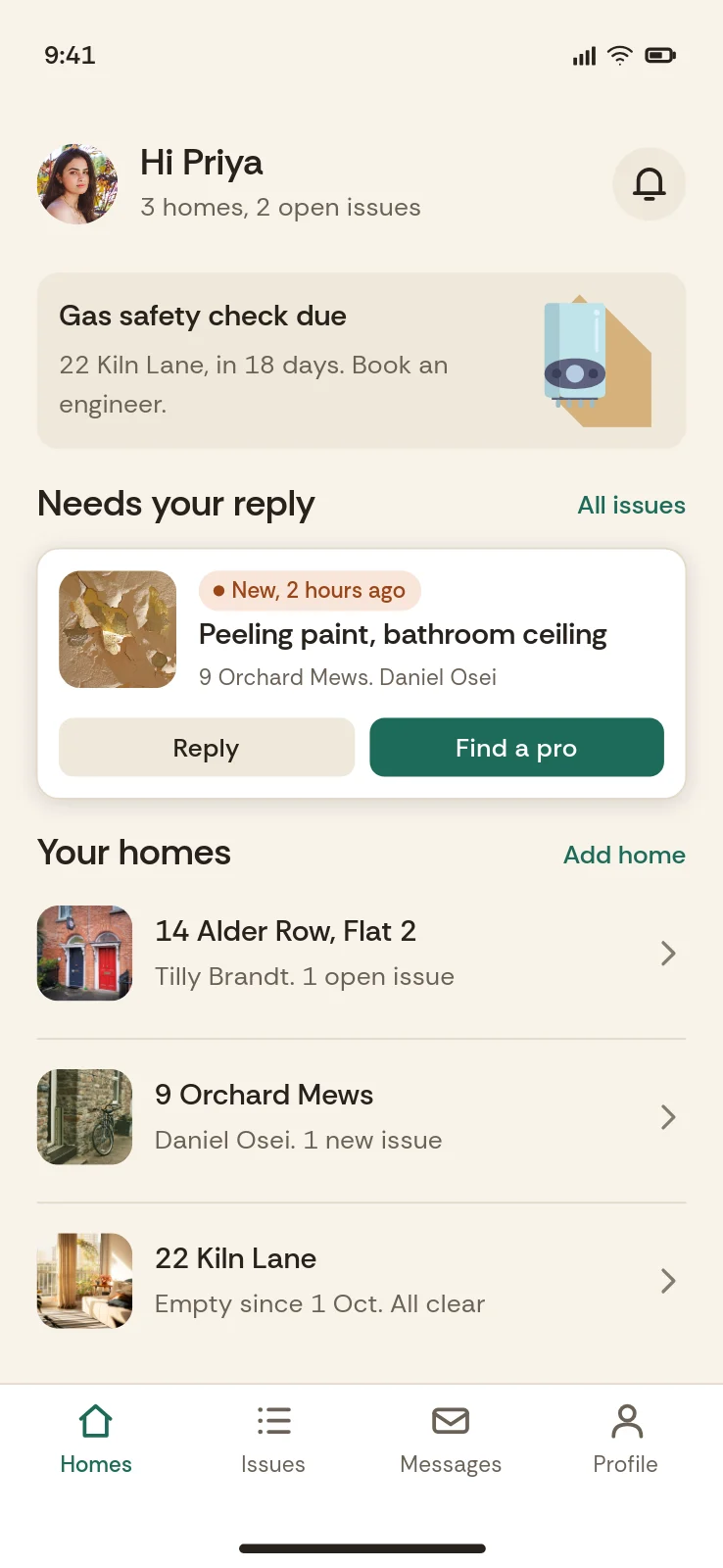
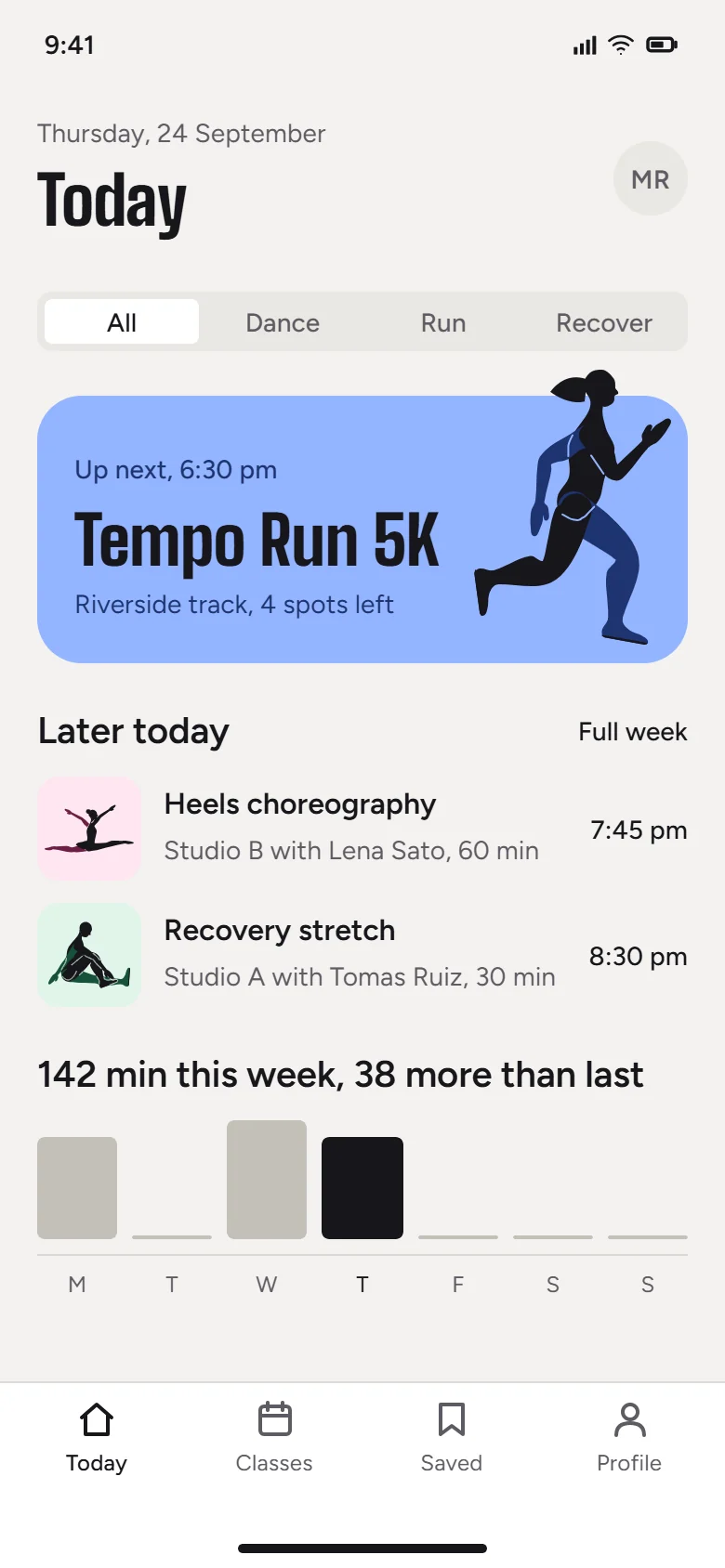
SVG Lab draws icons on their own or right where they belong in a design: in tab bars, menus, cards and buttons, grouped with their labels.
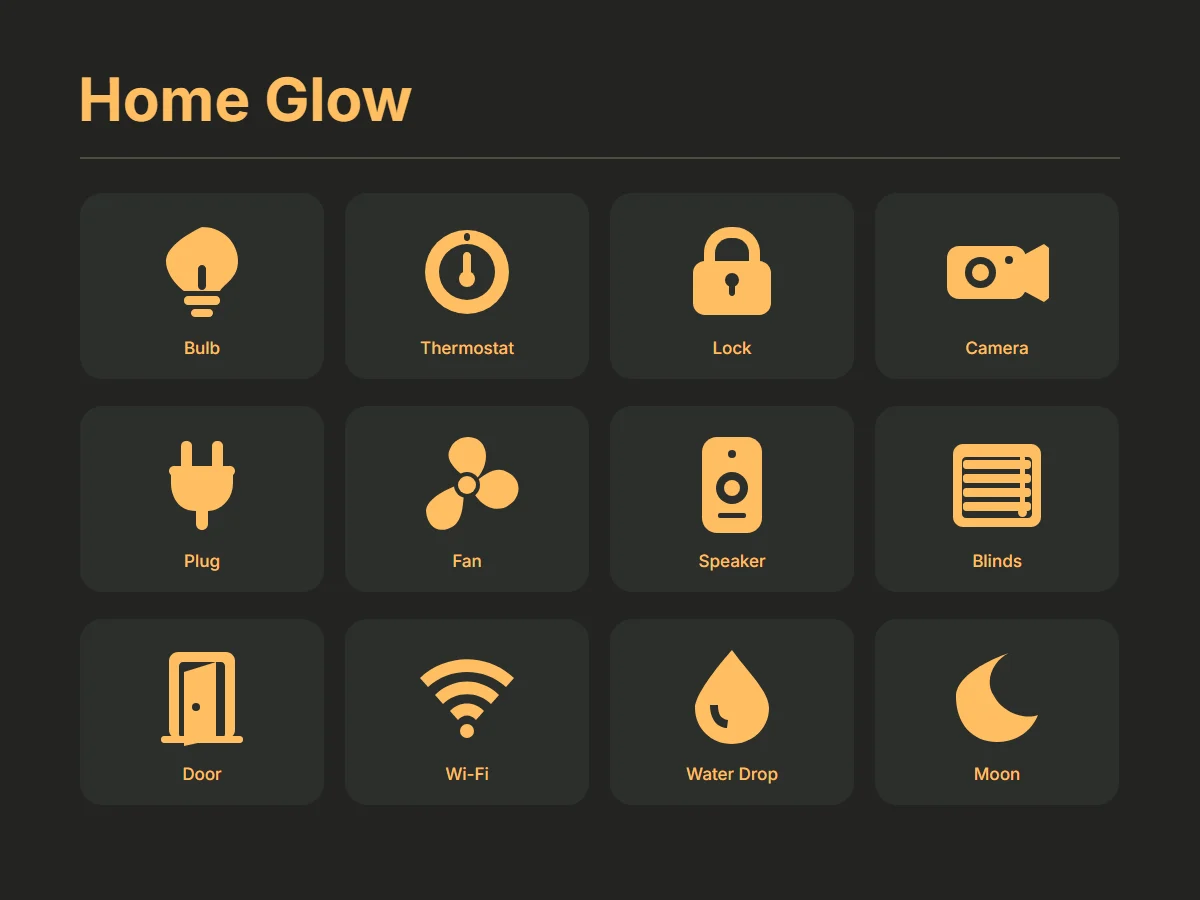
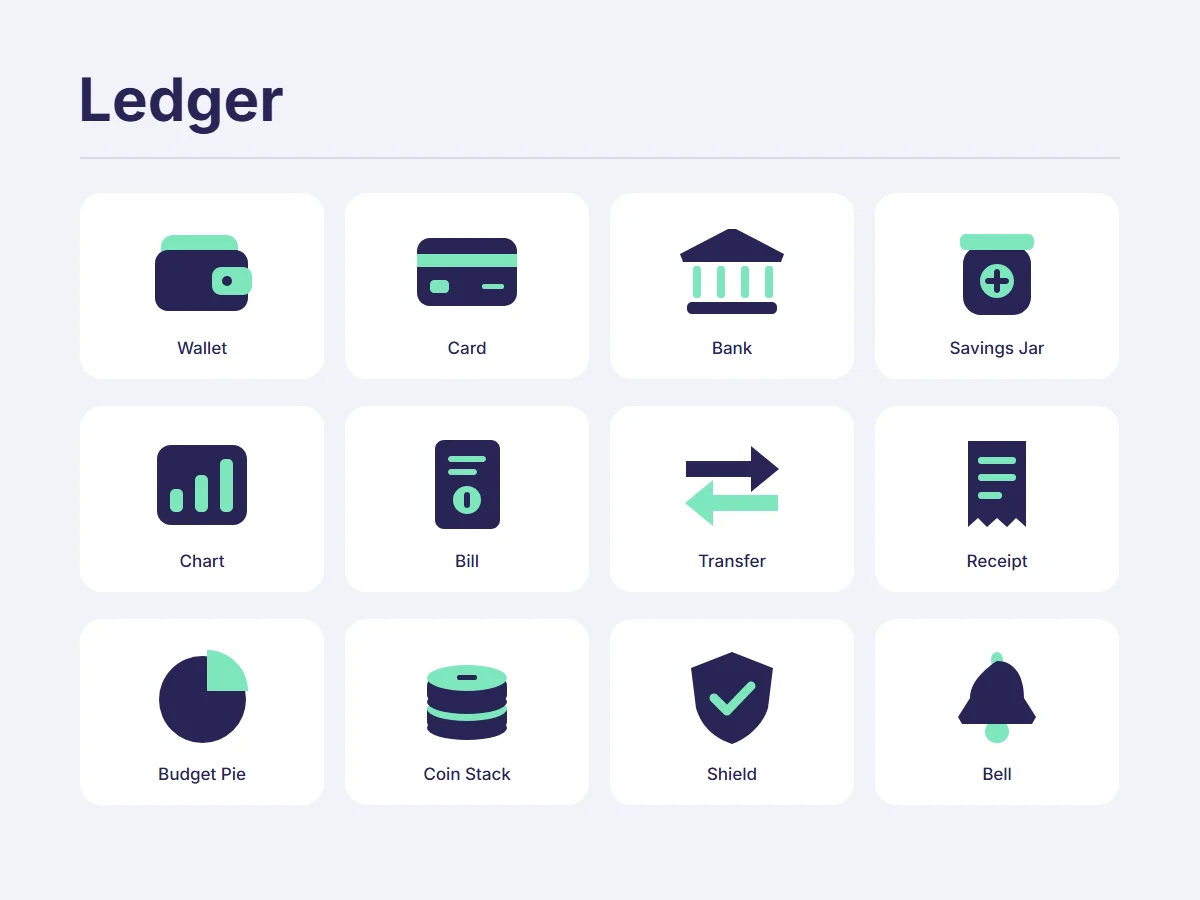
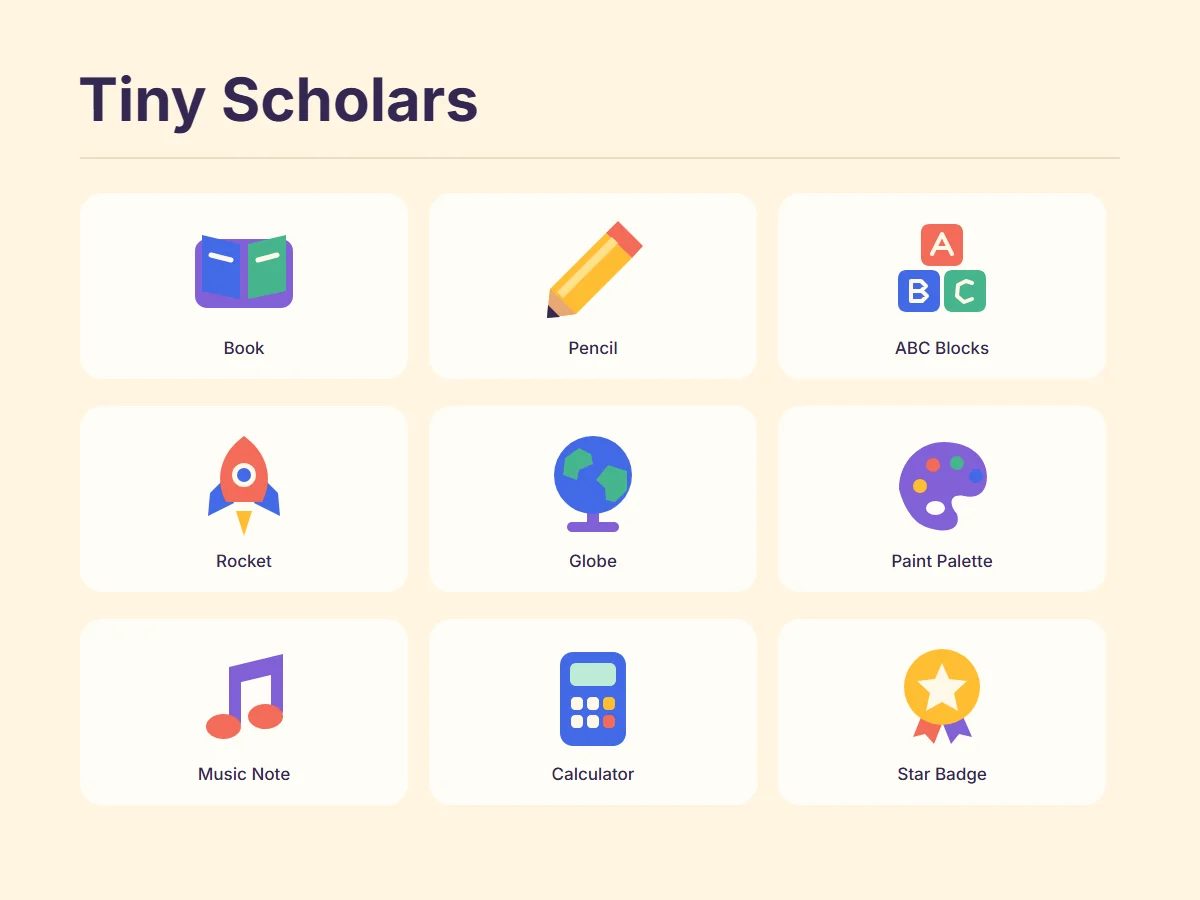
Icons in place, in real app screens
How the AI icon generator works
- Say what the icons are for. "The tab bar of a fitness app: home, classes, progress, profile" or "12 travel icons, rounded, two colours".
- Get one matching set. SVG Lab draws the icons as one consistent set, on your artboard or inside your screens.
- Edit and export. Recolour, move points or swap one icon, then export SVG, PNG or PDF, or take the screens as code.
Make icons where you already work
- Your AI app. Ask Claude, ChatGPT, Codex or Cursor for icons and they are drawn in your SVG Lab project through the SVG Lab MCP while you watch.
- SVG Lab Agent. The AI agent in the editor draws icons and whole screens, and changes only the icon you select.
- Illustrate. For one detailed icon or a spot illustration: describe it and an editable SVG lands on your artboard. 10 are free.
- Auto-trace. Turn a PNG or JPG icon you already have into a handful of clean vector shapes.
Why make icons in SVG Lab
- One set, one style. Icons are drawn as a set, in one consistent style, for tab bars, menus and features.
- Real SVG. Clean vector shapes you can recolour and reshape, sharp at any size, with code you can read.
- Icons that stay with their labels. On tab bars and menus, an icon and its label move as one item.
- Failures cost nothing. A generation that fails is never charged.
- You own them. You own everything you make in SVG Lab.
- Prices on the page. Credits are shown before you buy, and top-up credits never expire.
For your team
Keep one icon style across every product and page. An SVG Lab organization gives your team shared projects, one shared pool of credits, roles and a monthly limit per member, and viewers are free.
AI icon generator questions
What is the best AI icon generator for SVG icons?
SVG Lab. It makes a whole matching icon set from one sentence, as real SVG vectors in one consistent style, and opens them in a full SVG editor where you can change any point and export SVG, PNG or PDF. You can use it in the browser, with SVG Lab Agent, or from Claude, ChatGPT, Codex and Cursor.
Can AI make a matching set of icons?
Yes. Ask SVG Lab for the icons you need, such as the tab bar of a fitness app or 12 travel icons, and it draws them as one consistent set for tab bars, menus and features, at any size.
Are the AI icons real SVG I can edit?
Yes. Each icon is vector shapes on your artboard, not a picture inside an SVG. You can recolour it, change the stroke, move points and curve handles, and read or change its code in the live SVG code panel.
Can I generate icons with AI for free?
Yes. Every SVG Lab account gets 100 free credits (up to 24 app screens) and 10 free SVG illustrations with Illustrate, once, and the editor is free to use.
Can SVG Lab put the icons into my app design?
Yes. When SVG Lab designs app screens, it draws the icons in place, and each icon stays grouped with its label on tab bars and menus, so one click picks the whole item. You can also get the screens as code.
Can I turn a PNG icon into an SVG?
Yes. Auto-trace turns a PNG or JPG icon into a handful of clean vector shapes, with true circles, straight edges and real gradients.