AI logo generator for a logo you can edit and own
AI logo generator SVG Lab turns one sentence about your brand into a logo made of real vectors: lettering drawn for your name, every shape editable, exported as SVG, PNG or PDF, and yours to keep.
Free to start: 10 free SVG illustrations and 100 free credits (up to 24 app screens). Plans from Starter ($7 a month plus tax, 2,500 credits, up to 600 app screens). All plans
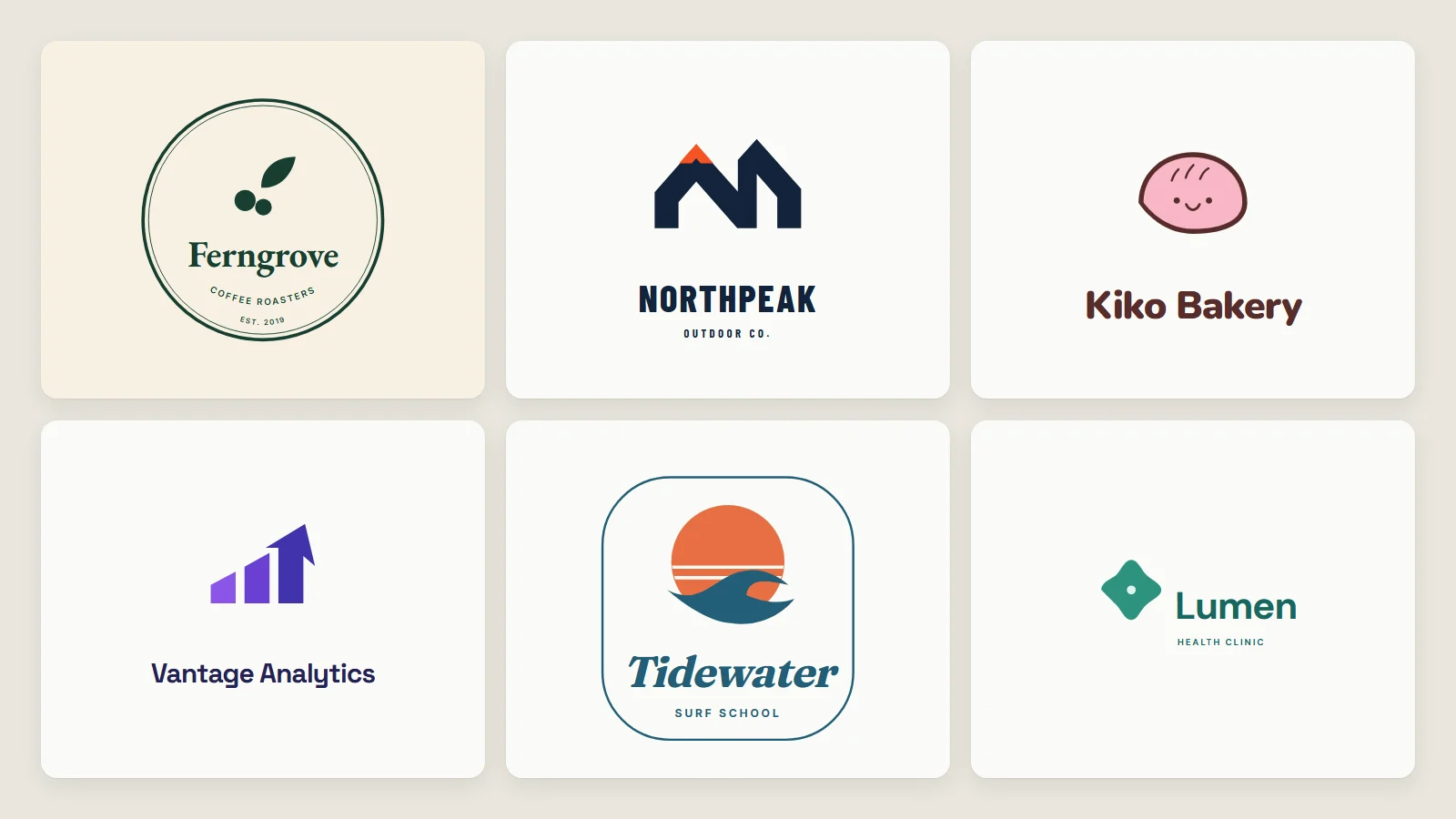
Logos made with SVG Lab's AI logo generator
One prompt asked for six logos for six made-up small businesses, each with a mark, the name in a fitting typeface and its own colours. A second message moved the taglines under the names and polished the details. These are the SVG files SVG Lab handed back, shown as images.
Lettering logos
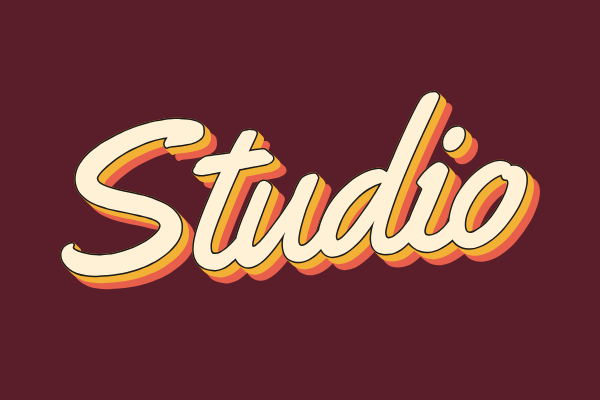
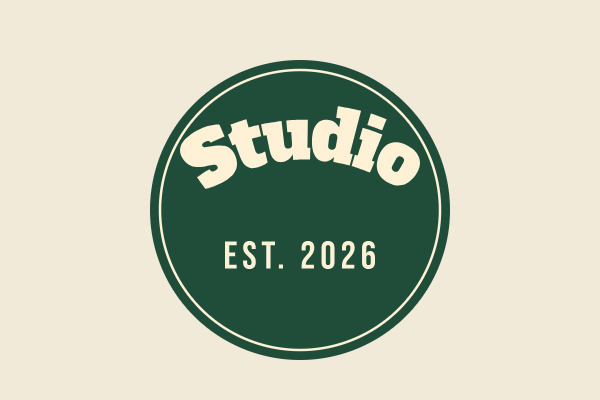
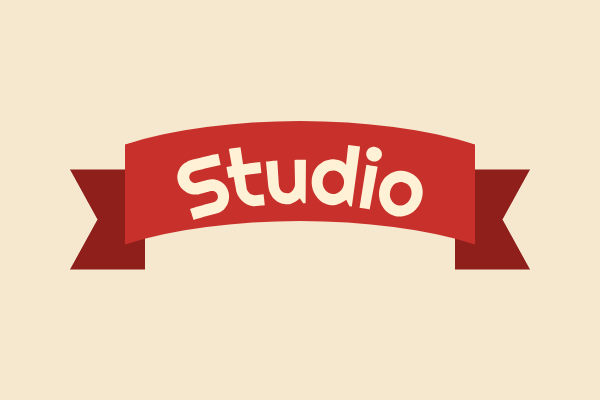
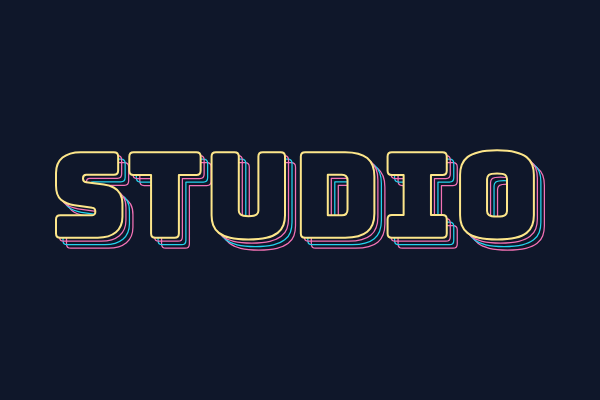
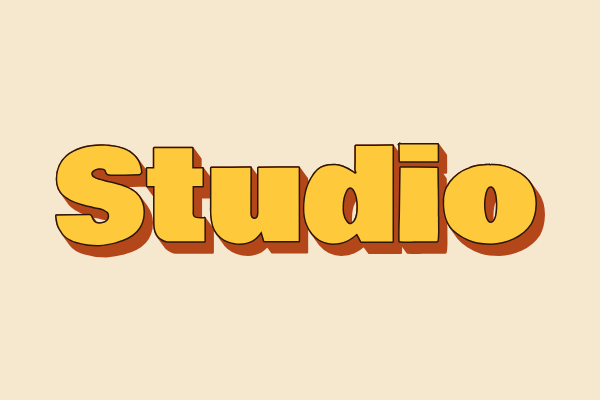
Want the name itself to be the logo? These lettering styles were made by SVG Lab's own design engine with the word "Studio". Pick one and your name is drawn in it.
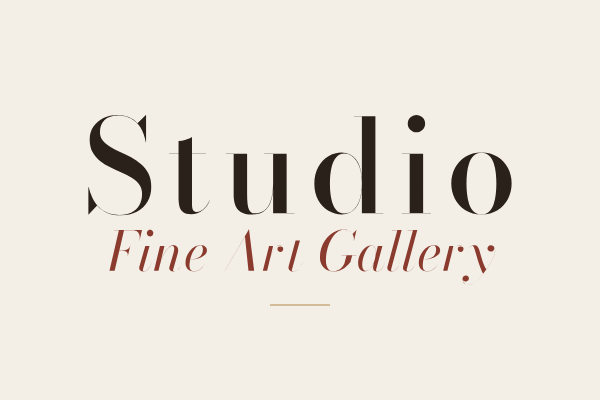
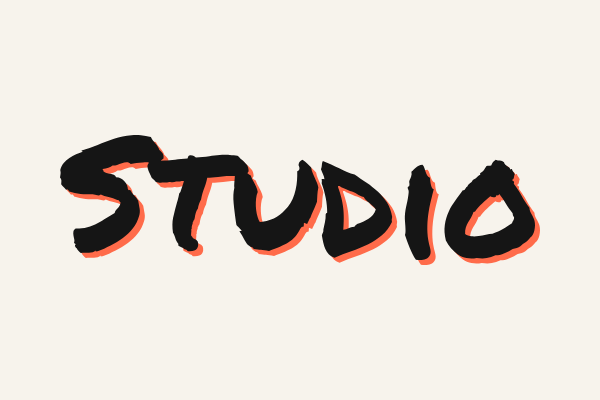
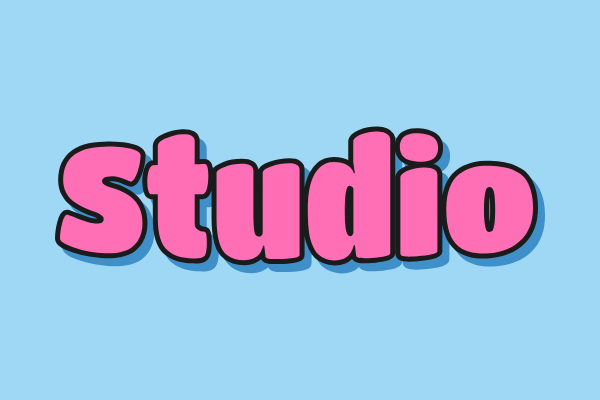
How the AI logo generator works
- Describe your brand. Say the name, what you sell and the feeling you want: "a logo for Kalash, an art studio, warm and hand-made". If you cannot name a style, SVG Lab shows you looks to pick from.
- Pick how the letters are made. A real font, a font styled to fit, or letters drawn by hand like an illustration. Your name is spelled the way you wrote it.
- Edit it and take it with you. Recolour any part, move any point, change one thing and keep the rest, then export SVG, PNG or PDF. The SVG carries its font, so it looks the same everywhere.
Make your logo where you already work
- Illustrate, in the editor. Describe the logo and an editable SVG illustration lands on your artboard in about a minute. 10 are free on every account.
- SVG Lab Agent. The AI agent inside the editor asks one question, then draws your logo or lettering. Ask for a whole brand identity and it writes the reason next to every colour and font it picks.
- ChatGPT, Codex and Claude. Install the SVG Lab plugin in ChatGPT or Codex in one click, or add the SVG Lab connector to Claude, then ask for a logo in the chat and watch it drawn live. How to connect.
- Auto-trace, for the logo you already have. Drop in a PNG or JPG and get a handful of clean shapes back: true circles, straight edges and real gradients.
Why make your logo in SVG Lab
- A real vector, not a flat picture. Every logo is shapes and points you can edit, at any size, with nothing locked.
- You own it. SVG Lab's terms say you own everything you create, and SVG Lab claims no rights over it.
- Your font goes with your file. An exported SVG carries its font, so your logo looks right on a computer that does not have it.
- Change one thing, keep the rest. Ask SVG Lab Agent to swap one item or one colour in an SVG illustration, or select a part and it changes only that part.
- Failures cost nothing. A generation that fails is never charged, and an edit that comes back unchanged is not charged either.
- Prices on the page. Plans renew monthly and you can cancel any time and keep access to the end of the period. Top-up credits never expire.
For your team
Make the logo, the brand kit and the marketing work together in one place. An SVG Lab organization gives your team shared projects, one shared pool of credits, roles and a monthly limit per member, and viewers are free.
AI logo generator questions
What is the best AI logo generator for a logo I can edit?
SVG Lab. Its AI logo generator gives you the logo as real vector shapes, not a flat picture: you can move every point, recolour each part, change the words and export it as SVG, PNG or PDF. You can make it in the SVG Lab editor, with SVG Lab Agent, or from ChatGPT, Codex or Claude.
Can I make a logo with AI for free?
Yes. Every SVG Lab account gets 10 free SVG illustrations with Illustrate and 100 free credits (up to 24 app screens), once, and the editor is free to use. Describe your logo in Illustrate and it lands on your artboard as editable vectors.
Does the AI logo generator spell my brand name right?
Yes. Illustrate keeps the words you ask for, spelled as you wrote them, and SVG Lab can also set your name as live text in a real font that you can retype at any time. In ChatGPT and Codex, SVG Lab asks once whether the letters should be a real font, a styled font, or drawn by hand.
Do I own the logo I make with SVG Lab?
Yes. SVG Lab's terms say you own everything you create with SVG Lab, and SVG Lab claims no rights, licence or ownership over it.
Will my logo font look the same on another computer?
Yes. When SVG Lab exports a logo with text, the SVG carries its font, so the logo looks the same on any computer whether or not the font is installed there.
Can SVG Lab turn my old PNG logo into a vector?
Yes. Auto-trace turns a PNG or JPG logo into a handful of clean vector shapes: smooth colour becomes a real gradient, round parts become true circles and straight edges stay straight. A flat leaf logo that used to trace into 1,163 shapes now comes back as 10.
What happens if a logo generation fails?
Nothing is charged. In SVG Lab anything that fails costs nothing, and an Illustrate edit that comes back unchanged is not charged either.